
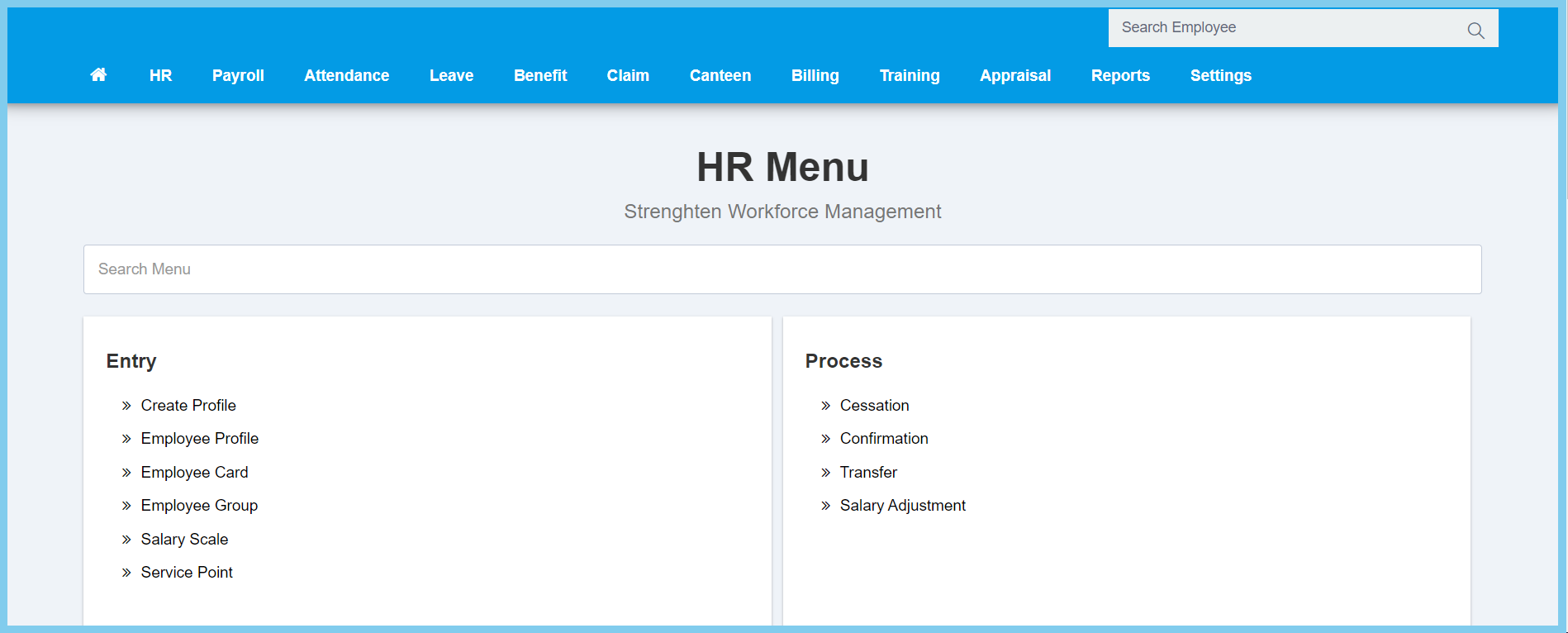
1. Menu: Click HR.
2. Click Service Point which located under Entry.
3. Click Create button.
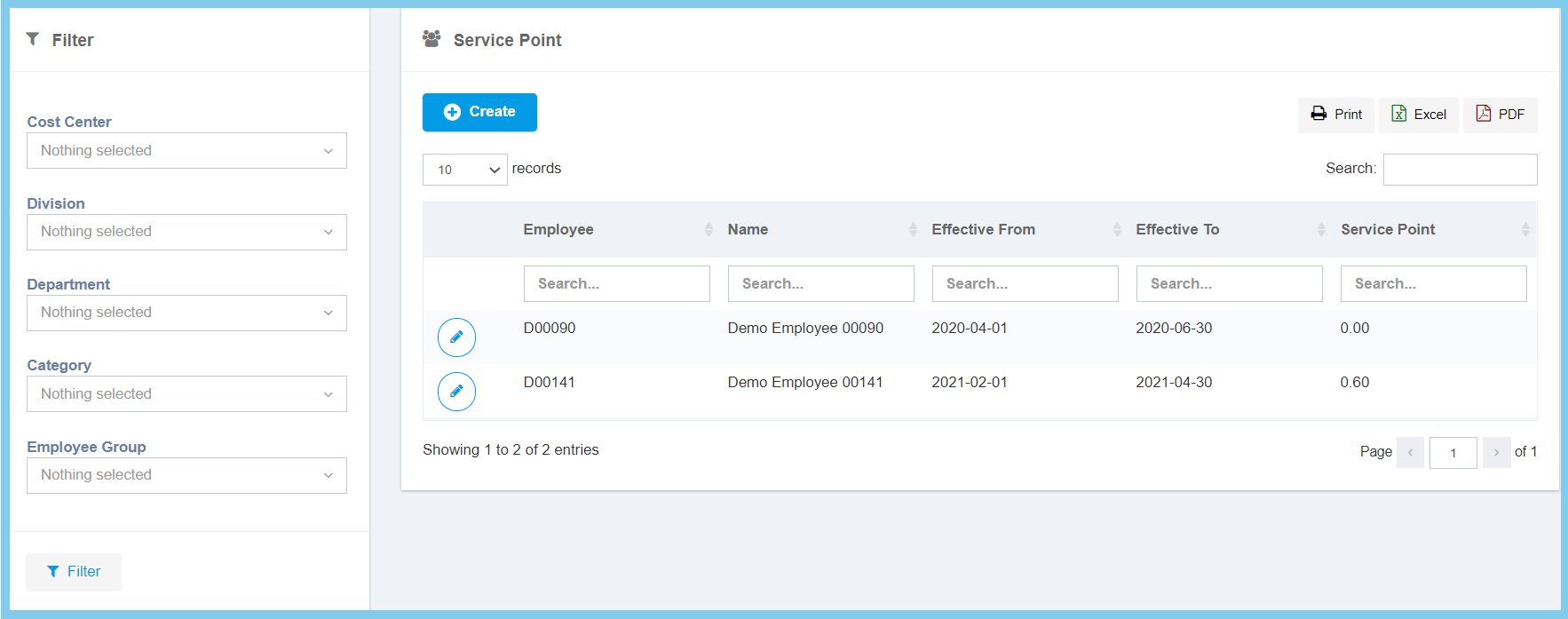
Note: The filter on the left can use to search the service point that you wish.
4. Fill the form.
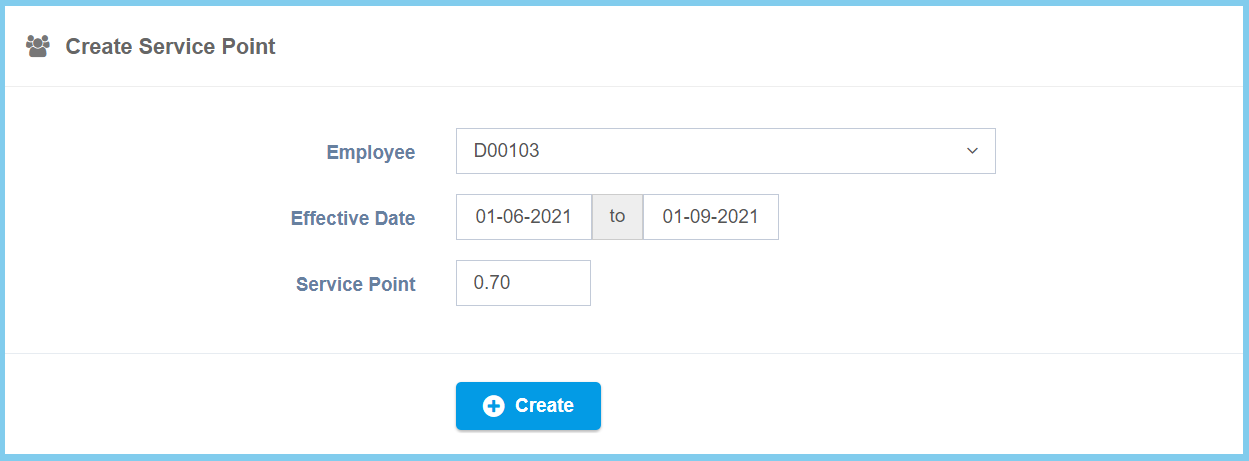
5. Click Create button.
Service Point Configuration Option Explanation
| Option | Allowed Values | Description |
|---|---|---|
| Employee | Selection from employee | Select the employe for this service point. |
| Effective Date | Select date from calendar | Select the effective start date and end date of service point. |
| Service Point | Any number | Enter the value for service point. |
