
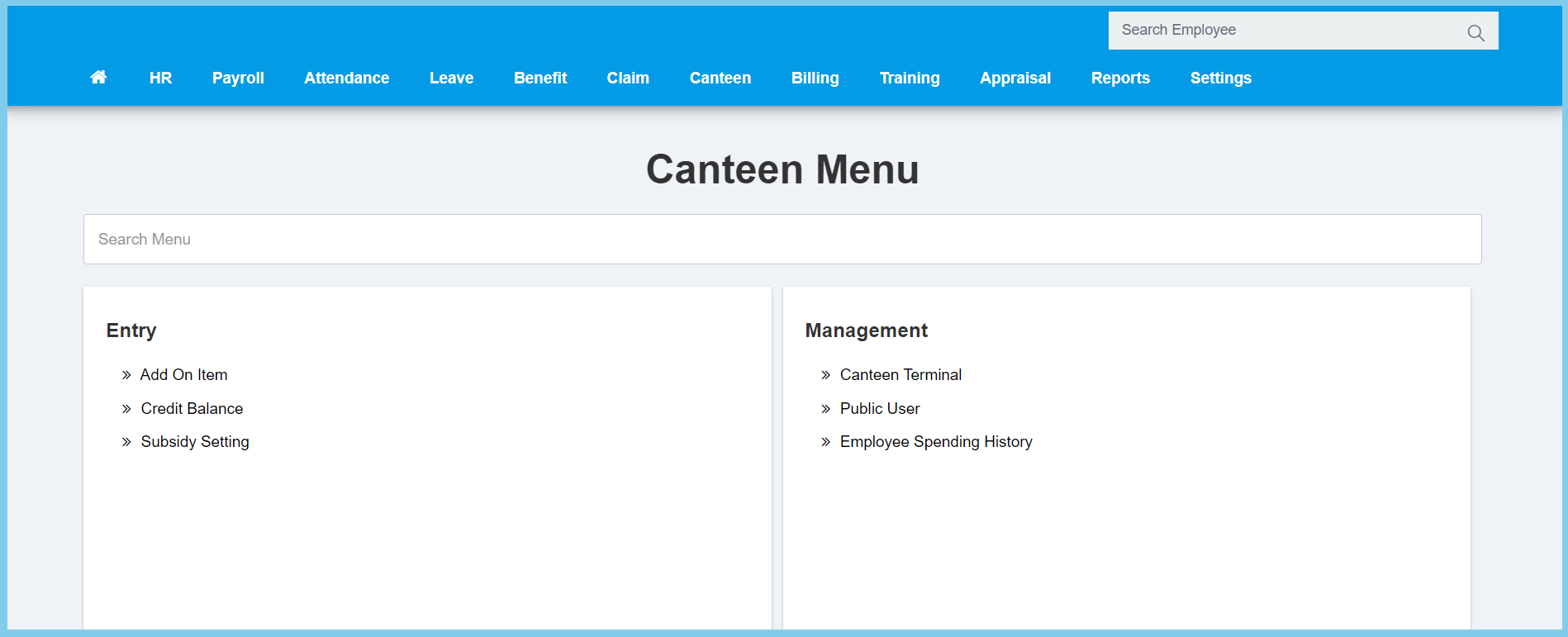
1. Menu: Click Canteen.
2. Click Add On Item which located under Entry.
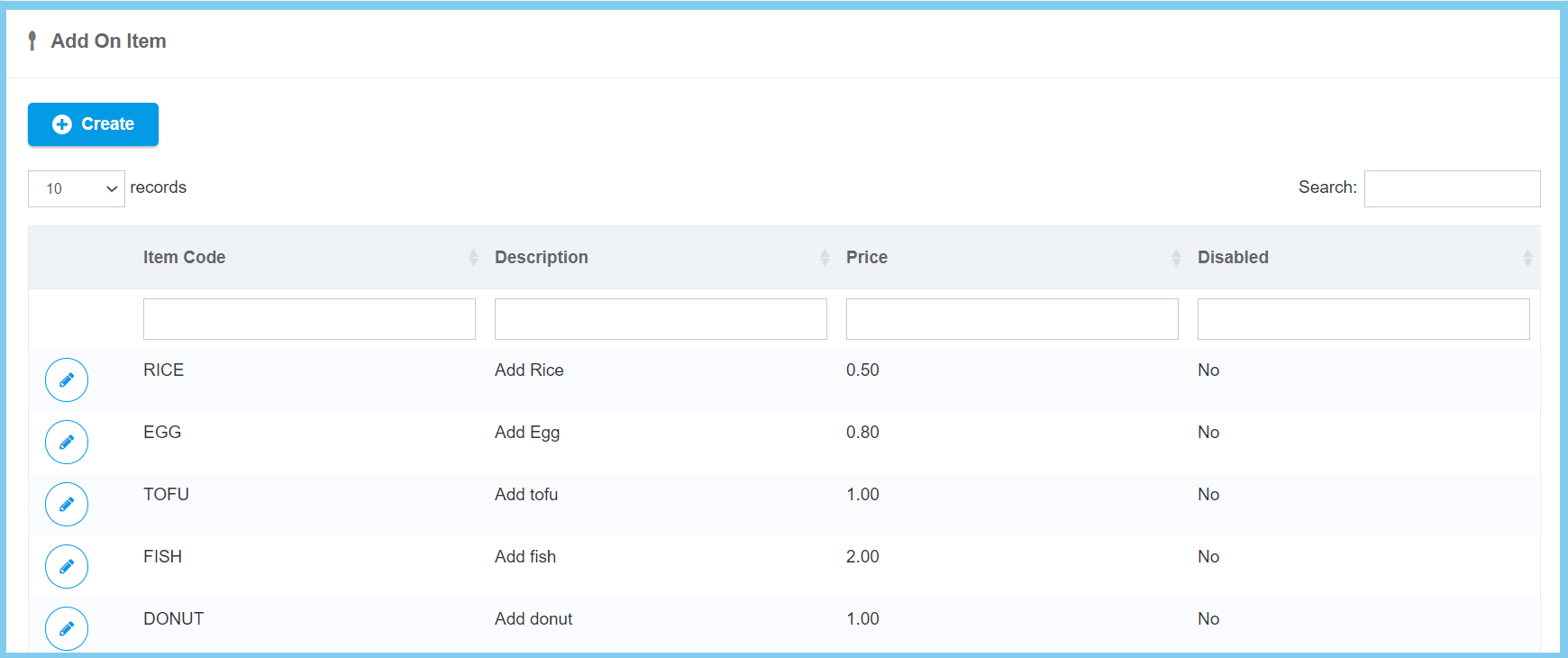
3. Click Create button.
4. Fill the form.
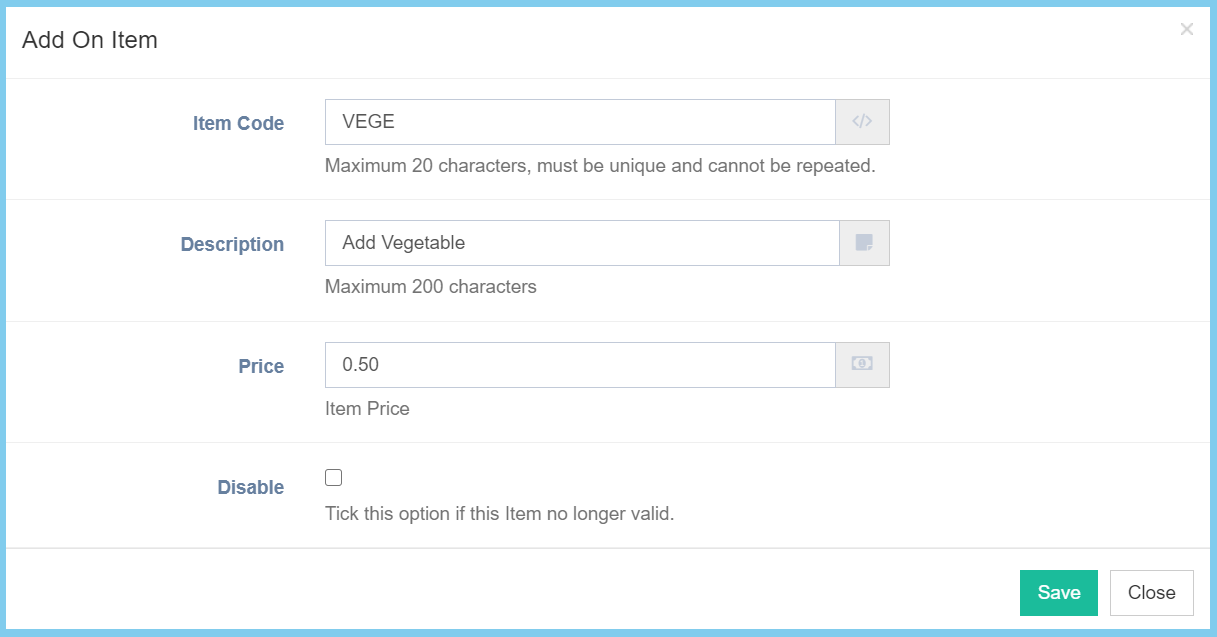
6. Click Save button.
Add On Item Configuration Option Explanation
| Option | Allowed Values | Description |
|---|---|---|
| Item Code | Any alphanumeric | Enter an unique code for the item. |
| Description | Any alphanumeric | Any description about this add on item. |
| Price | Any number | Enter the price of the item. |
| Disable |
|
Ticked when this item is no longer valid. |
