
1. Edit Employee Profile.
2. Click Immigration.
3. Click Create button.
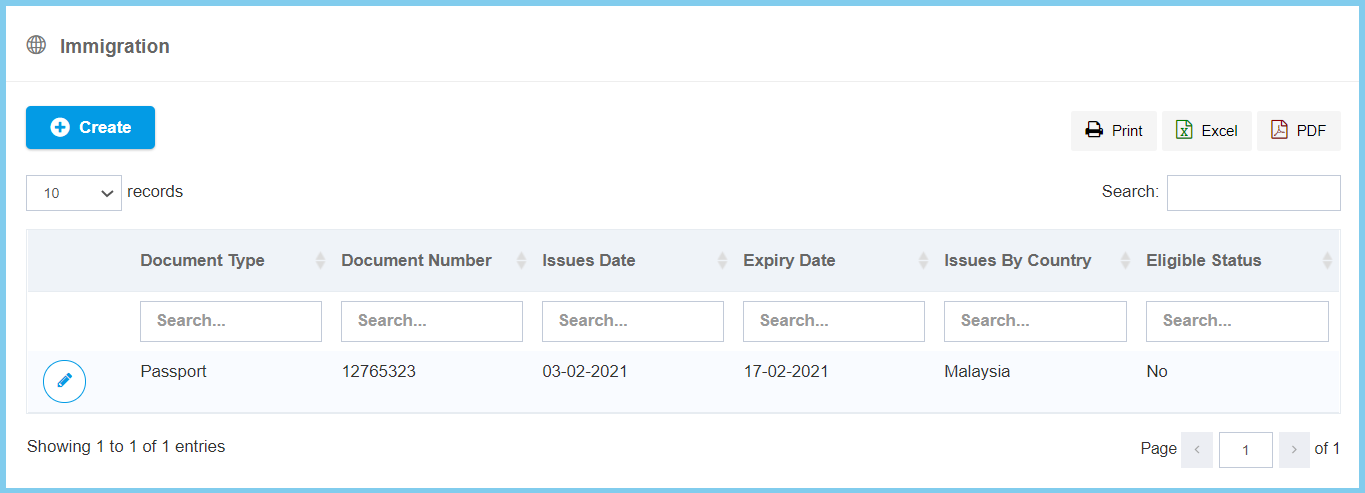
4. Fill the form.

5. Click Create button.
Immigration Configuration Option Explaination
| Option | Allowed Values | Description |
|---|---|---|
| Active |
|
Set the status for foreign employee either active or inactive. |
| Document Type | Selection from document type | Select the type of document of the foreign worker which to prove their identity.
Click here to view setup for foreign worker type. |
| Document Number | Any number | Enter the document number of the foreign worker which to prove their identity. |
| Issues Date | Select date from calendar | Select the issued date of the eligible for the document from foreign worker. |
| Expiry Date | Select date from calendar | Select the expiry date of the eligible for the document from foreign worker |
| Issued Country | Setup from code settings | Select the country which issued of the foreign worker.
Click here to view setup for country. |
| Review Date | Select date from calendar | Select the date which eligible review status of foreign worker. |
| Remark | Any alphanumeric | Any addition remark about this foreign worker. |
