
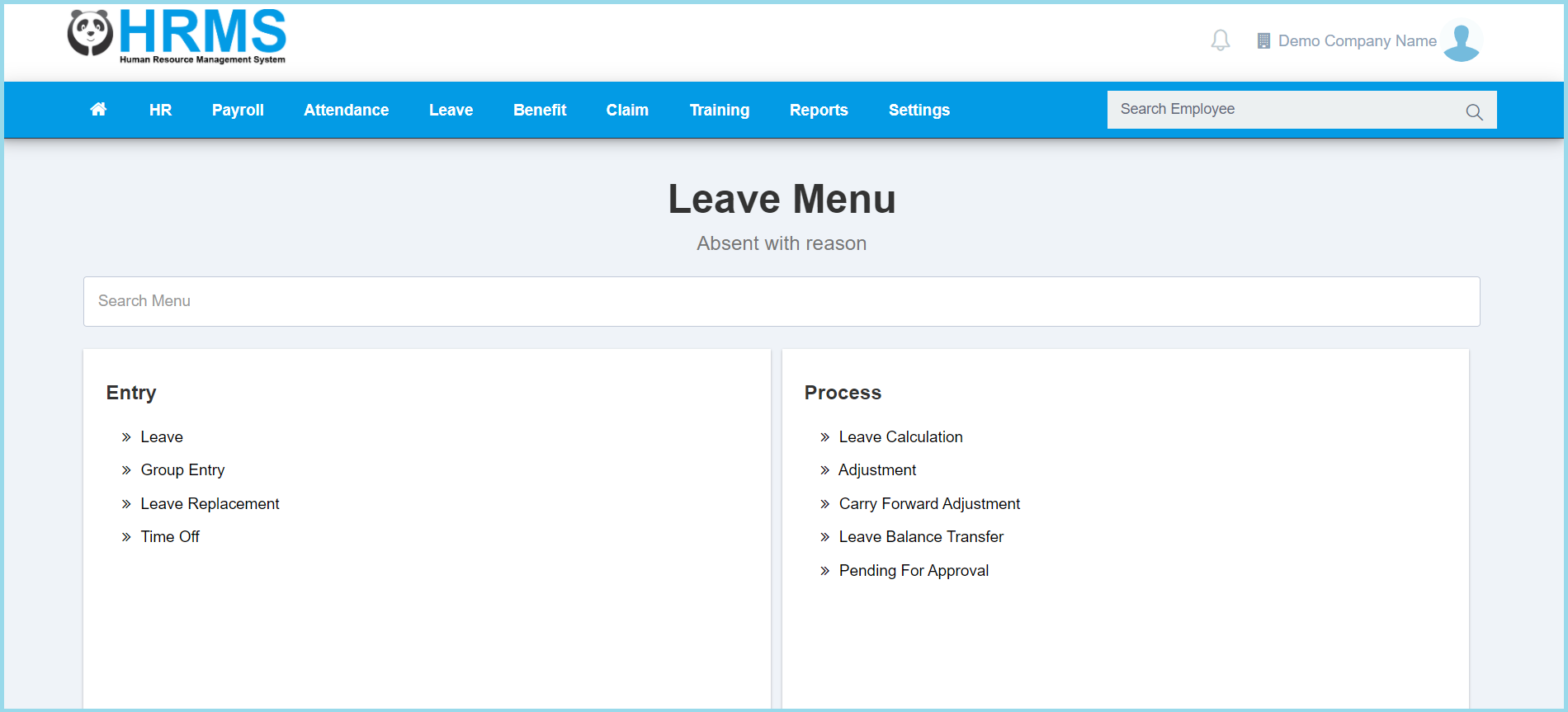
1. Menu: Click Leave.
2. Click Adjustment which located under Process.
3. Select from employee filter.
4. Click Filter button.
5. Click detail button on which leave adjustment that you wish to create.
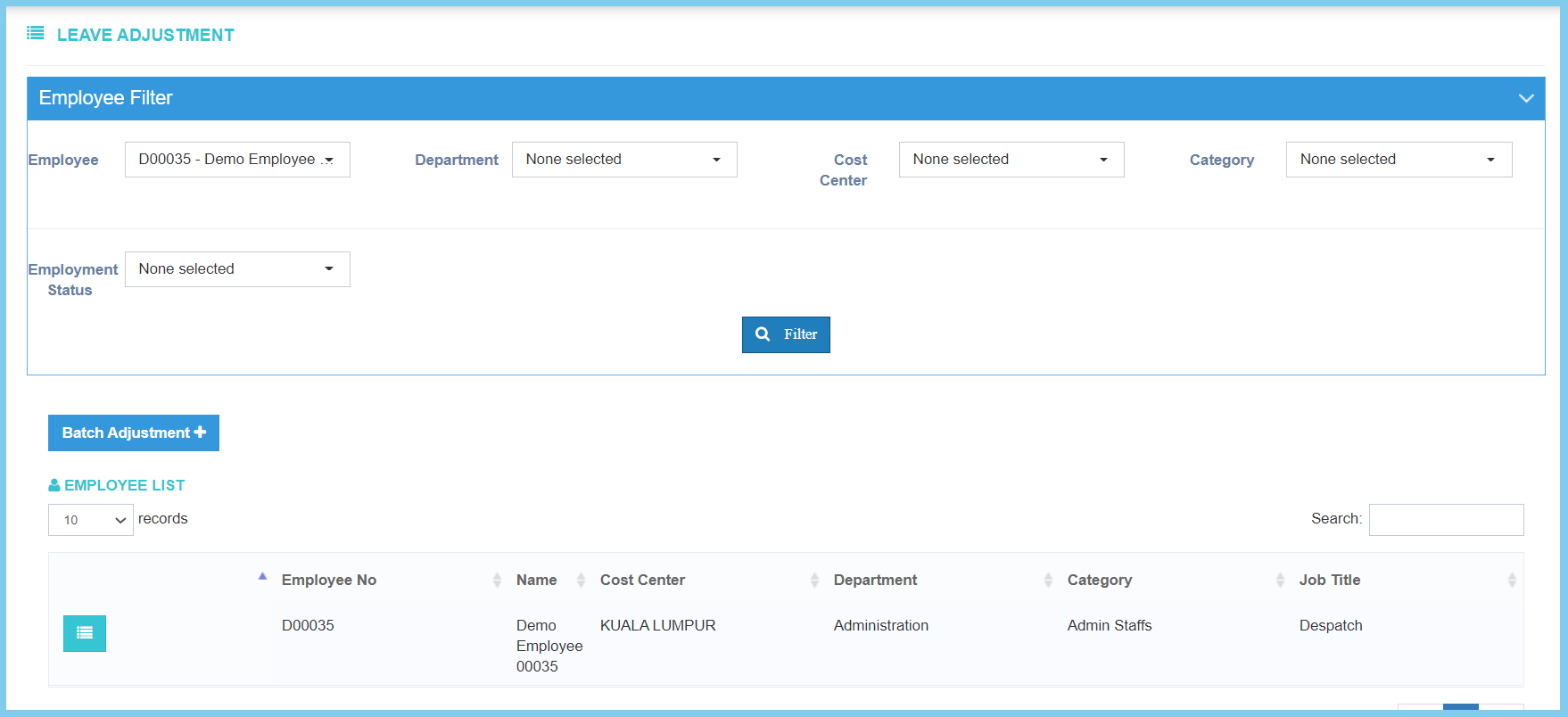
Note: You can select either by employee, department, cost center, category or employment status. Can choose more than one selection.
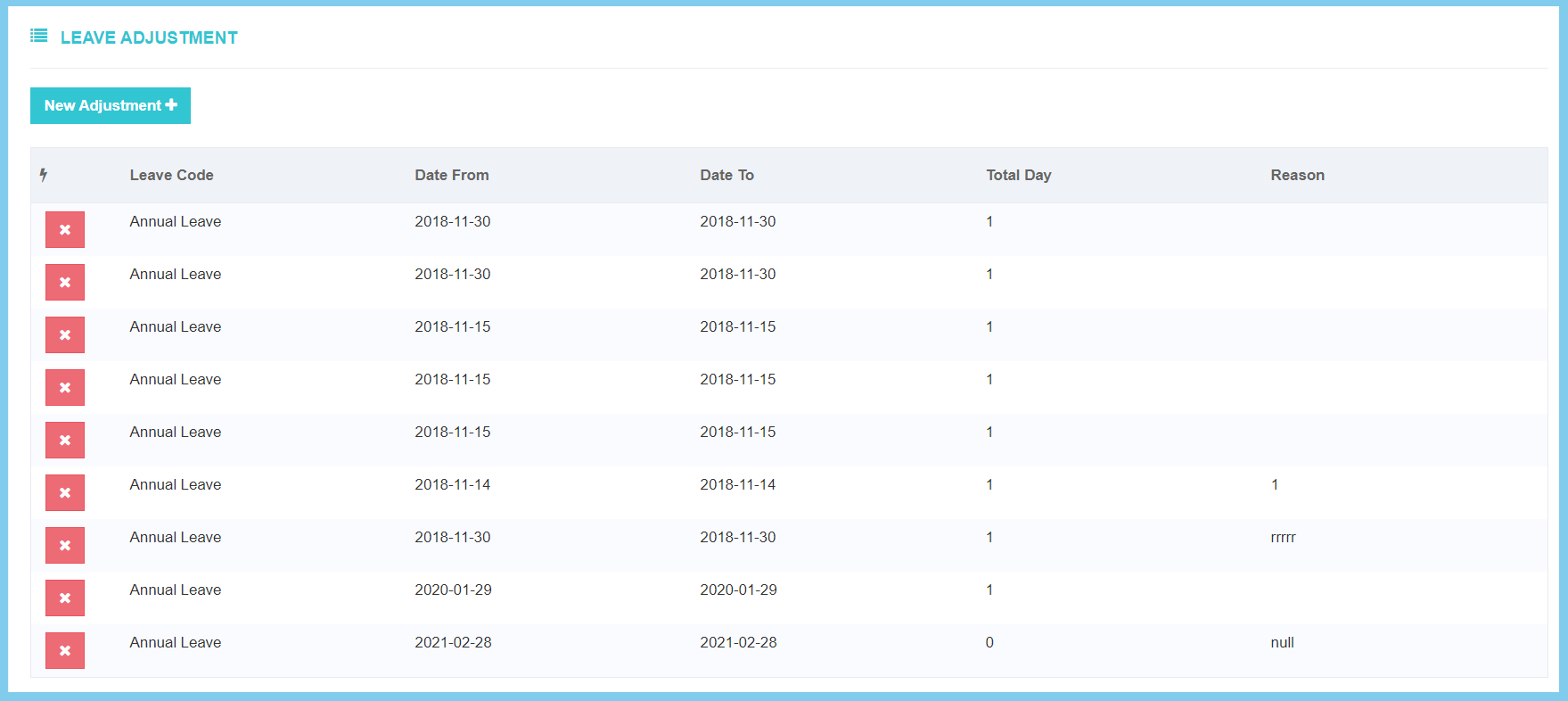
6. Click New Adjustment button.
7. Fill the form.
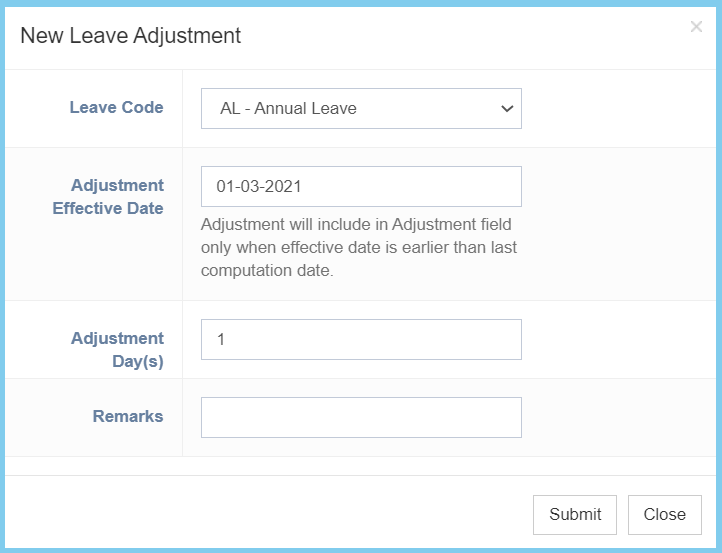
8. Click Submit button.
You also can do benefit adjustment by batch.
- Click Batch Adjustment button.
- Fill the form.
- Click Save button.
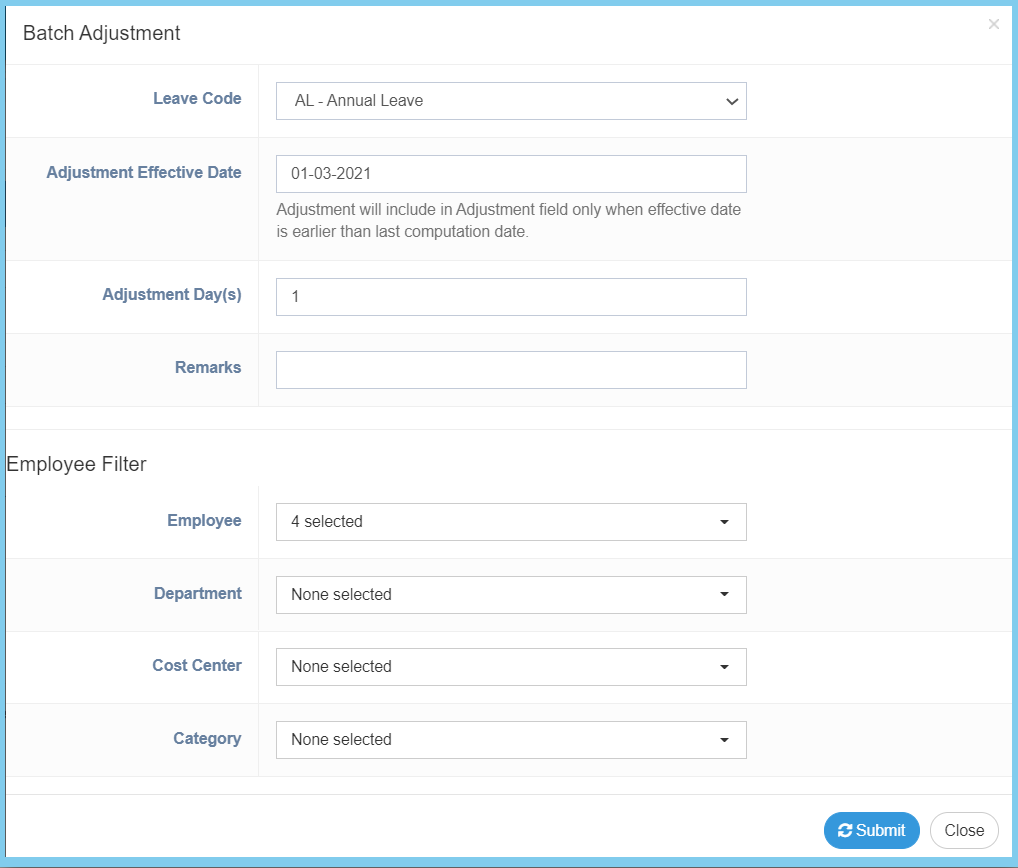
Note: The employee filter is use to select the employee who are involved in this leave adjustment.
Leave Adjustment Configuration Option Explanation
| Option | Allowed Values | Description |
|---|---|---|
| Leave Code | Setup from leave code | Select the leave code for this leave adjustment from option available.
Click here to view setup. |
| Adjustment Effective Date | Select date from calendar | Select the effective leave adjustment date from calendar available. |
| Adjustment Day(s) | Any number | Enter the total days of leave adjustment. |
| Remarks | Any alphanumeric | Any additional remarks about this leave adjustment. |
