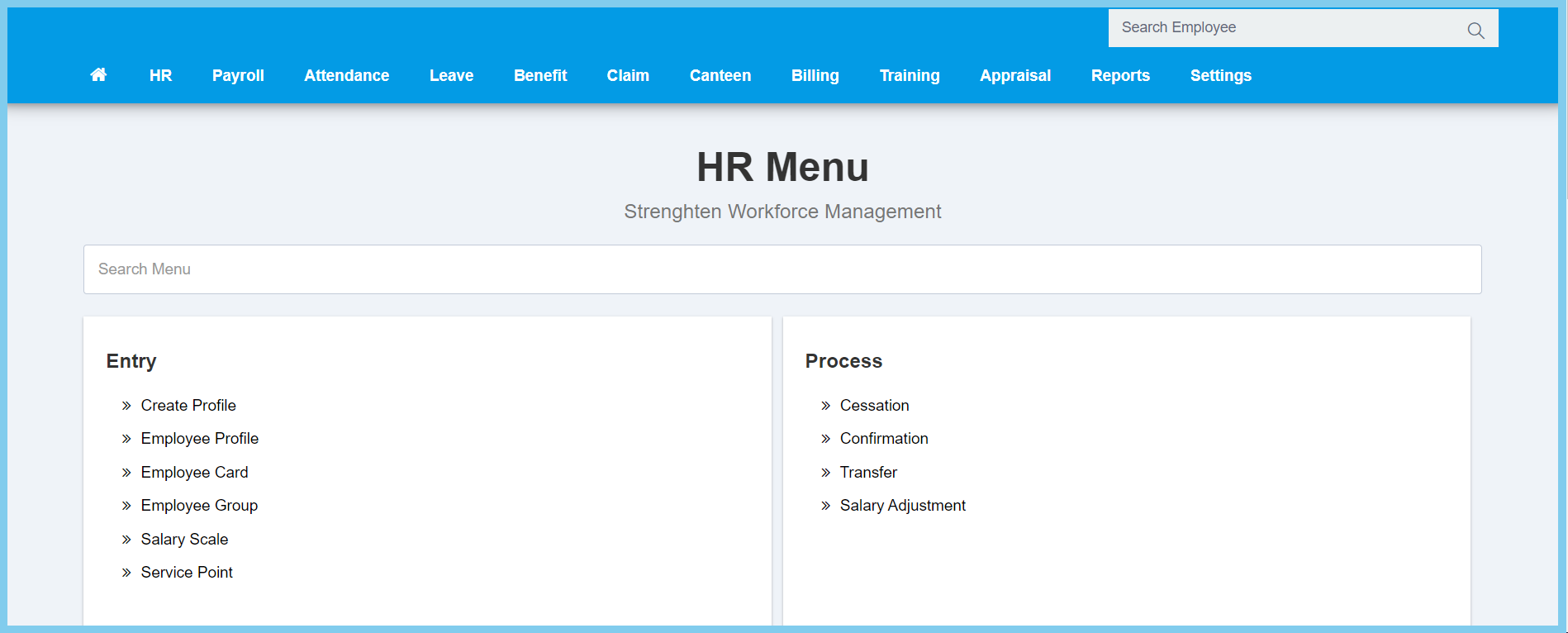
1. Menu: Click HR.
2. Click Transfer which located under Process.
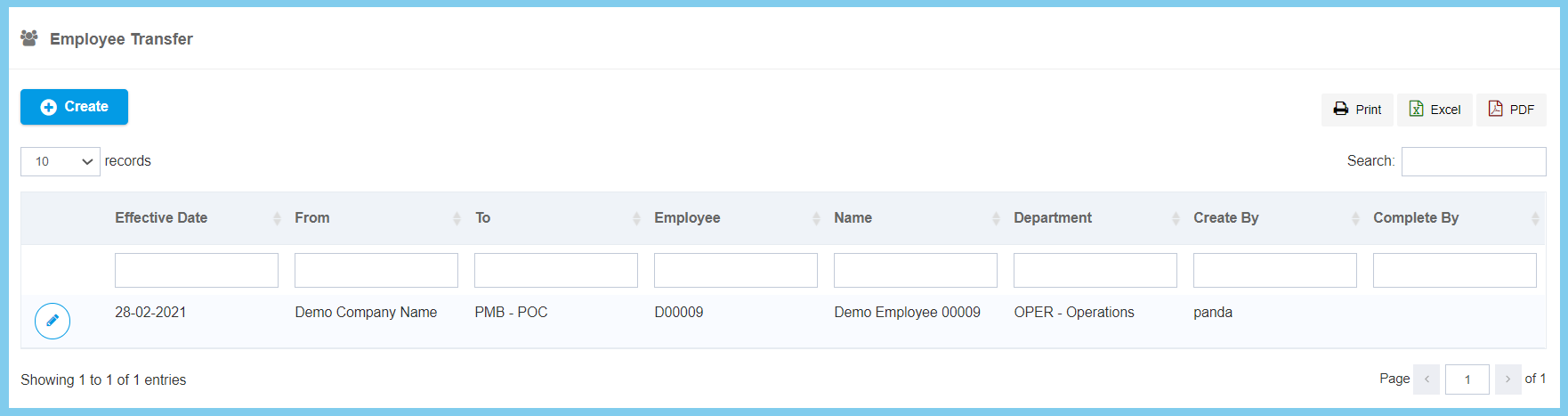
3. Click Create button.
Note: The list will only the employee who is been external transfered.
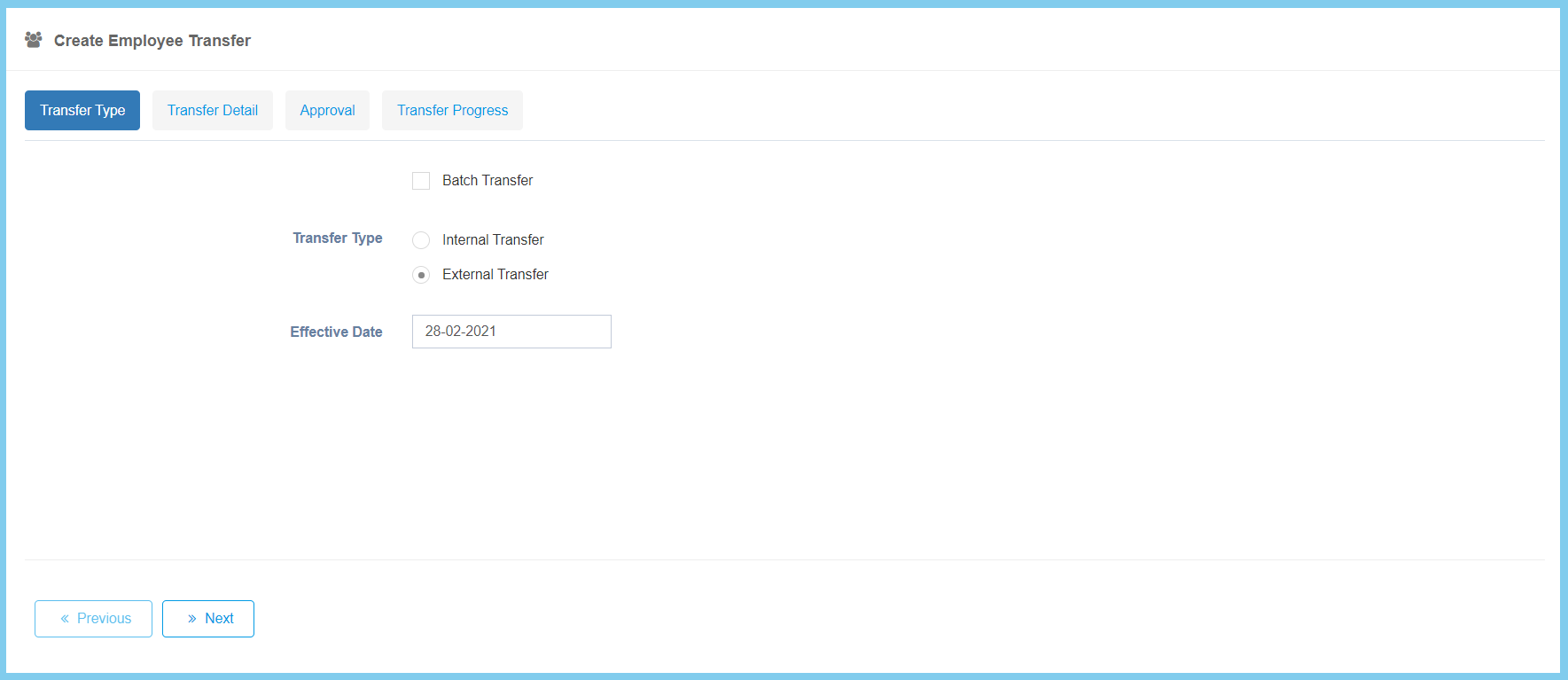
4. Complete the form.
5. Click Next button.
Option
Allowed Values
Description
Batch Transfer
True
False
Ticked when the employee is transfered by batch.
Transfer Type
Internal Transfer
External Transfer
Select the tranfer type for employee.
Effective Date
Select date from calendar
Select the effective transfer date of employee.
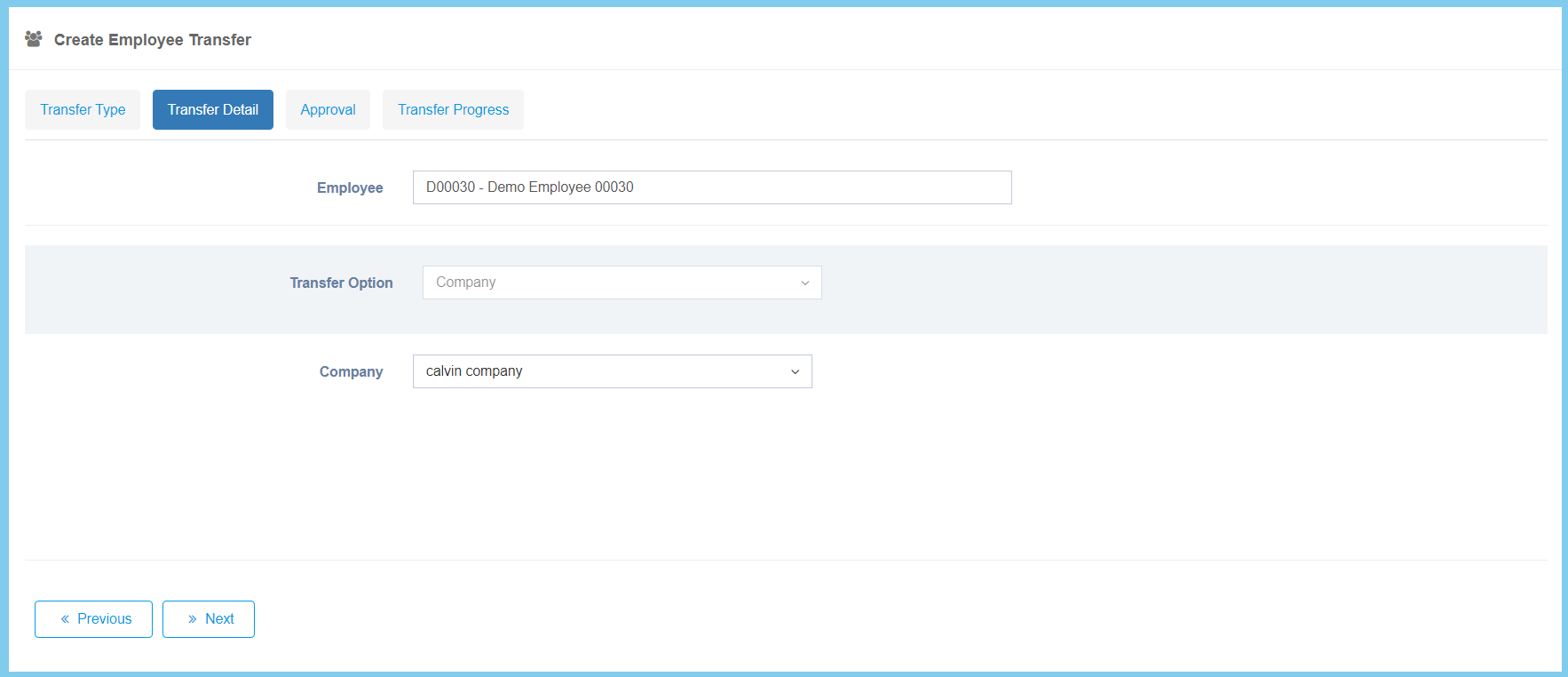
6. Complete the selection.
7. Click Next button.
Option
Allowed Values
Description
Employee
Any alphanumeric
Enter the employee name or number that wish to transfer.
Transfer Option
Selection from transfer option
Select the transfer option of employee.
Transfer Option can be selected more than one. Once the transfer option is selected. It will show the previous selection. You just need to select a new selection for employee.
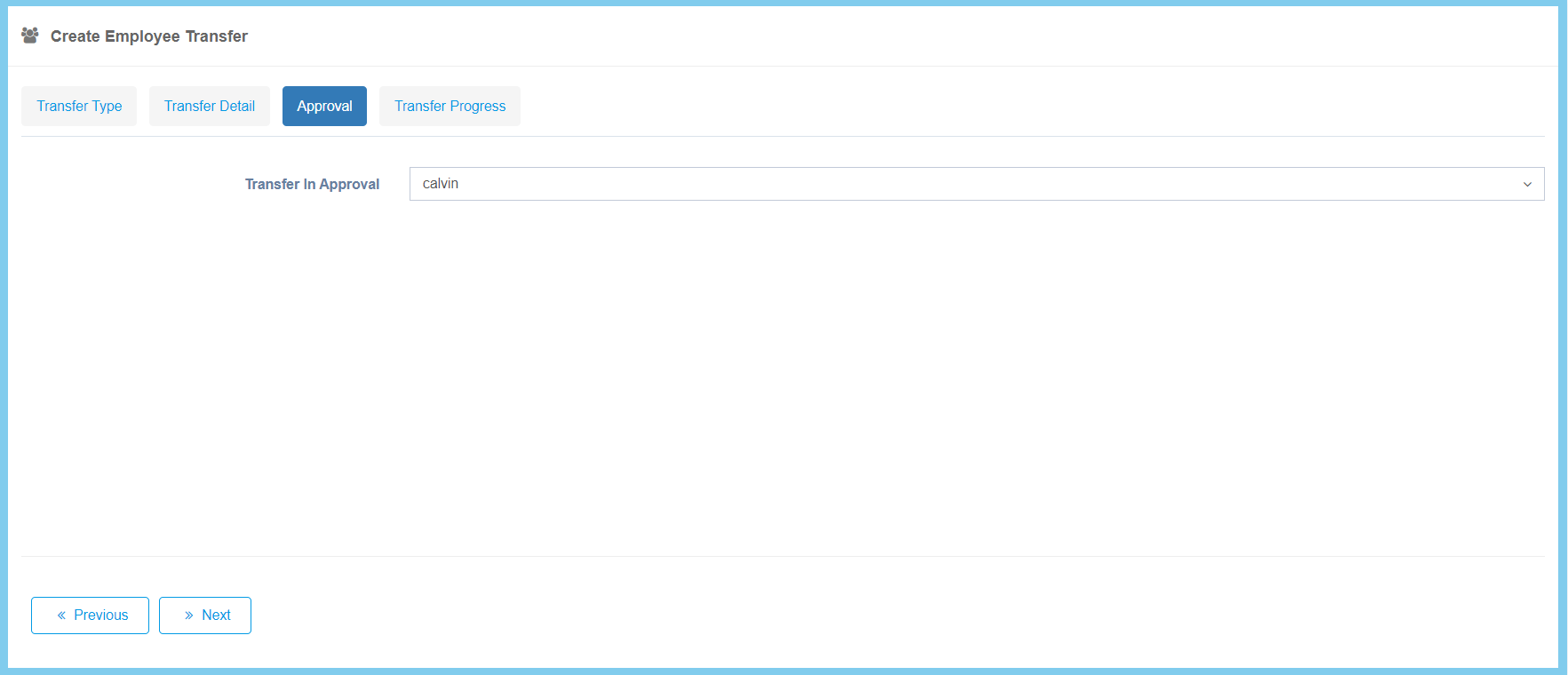
8. Select approval for transfer .
9. Click Next button.
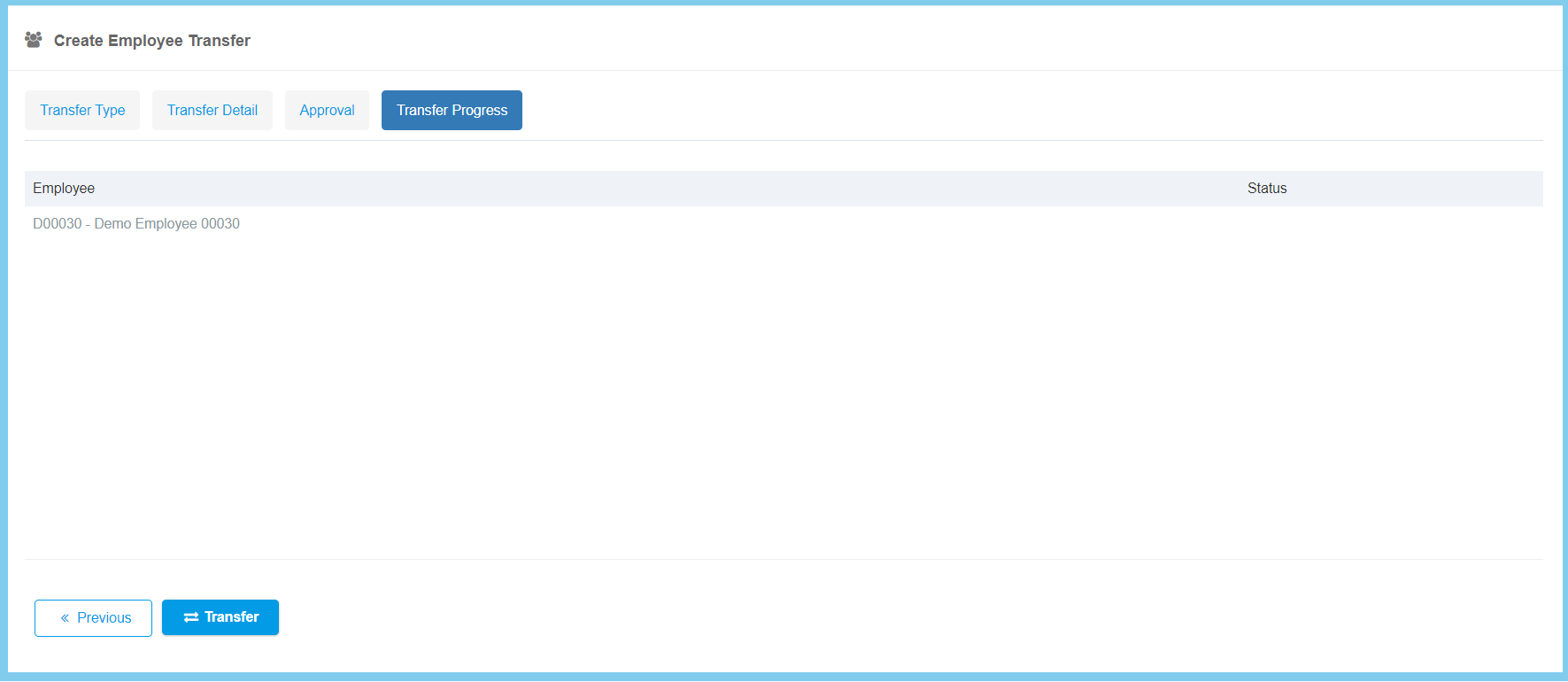
10. Click Transfer button
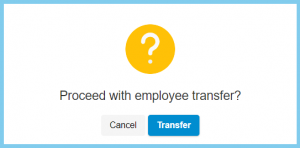
11. Click Transfer button.
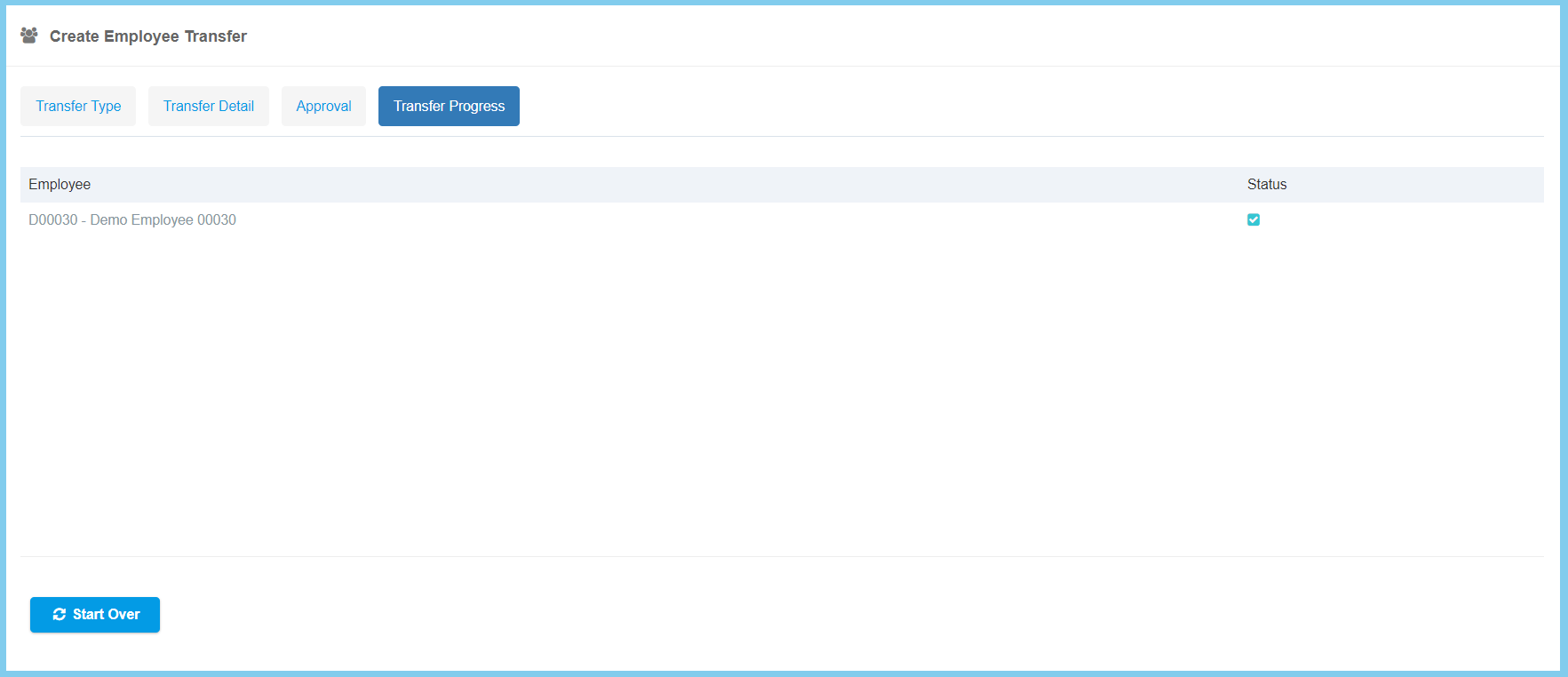
Note: If you wish to continue transfer another employee, click on Start Over button and repeat from step 4 to step 11.