
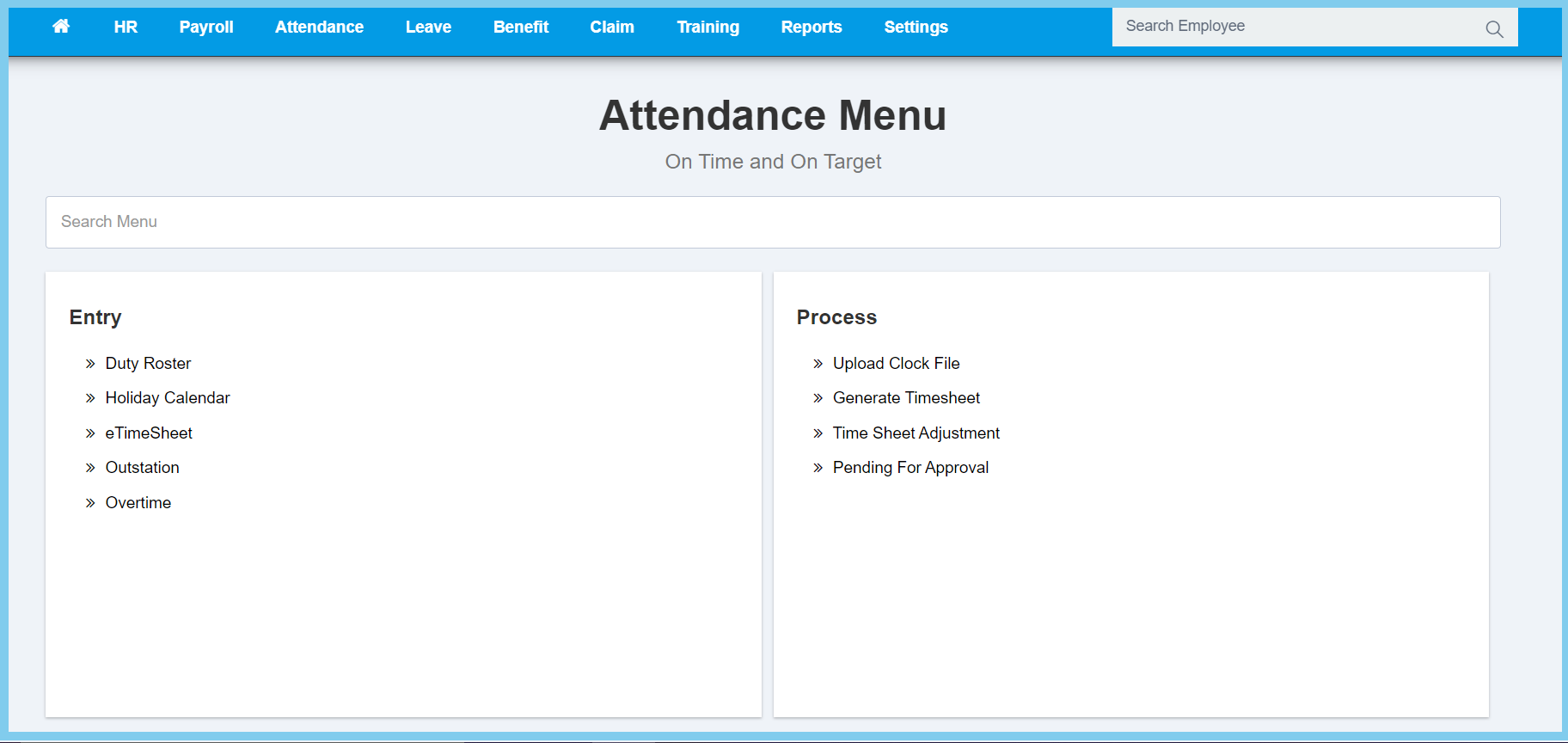
1. Menu: Click Attendance.
2. Click Timesheet Adjustment which located under Process.
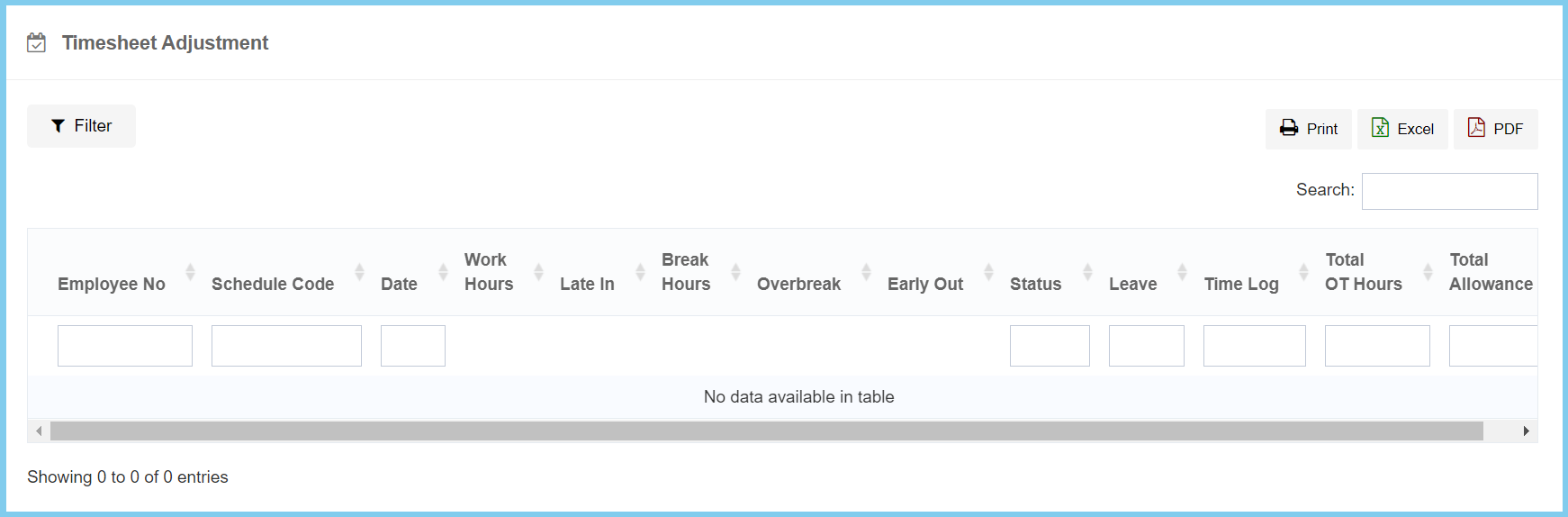
3. Click Filter button.
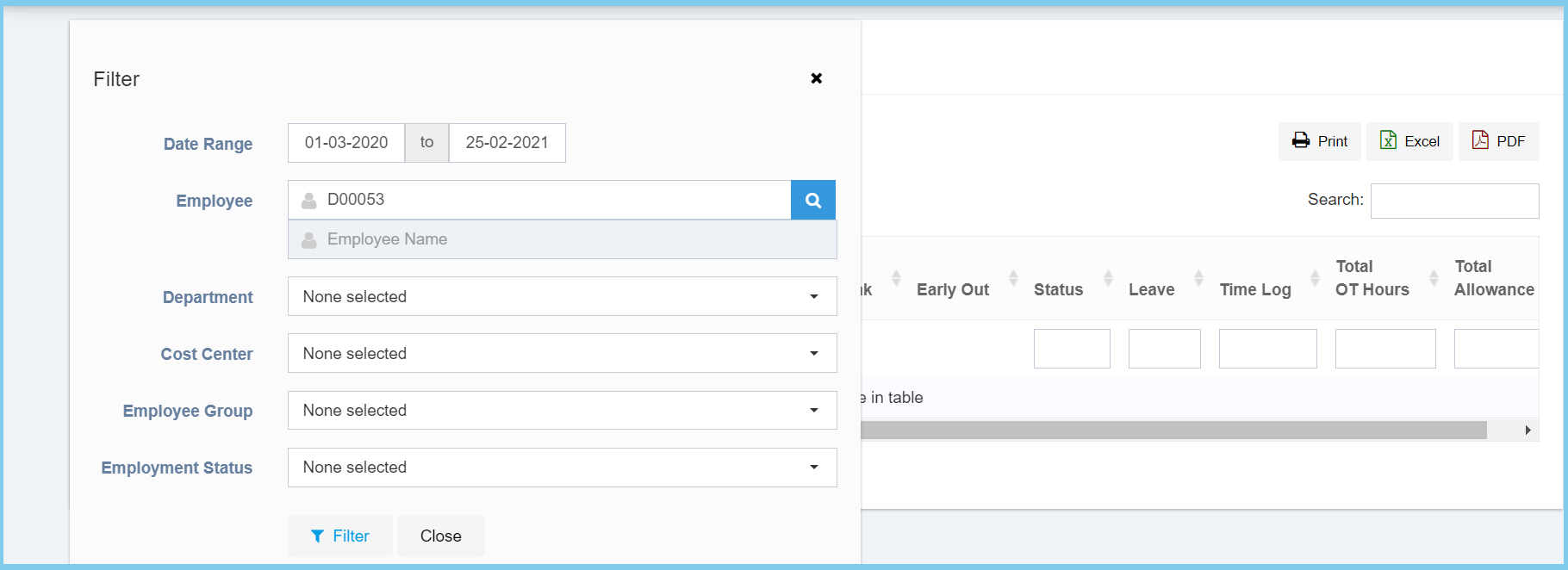
4. Select date range of timesheet that you wish to view from calendar available.
5. Enter employee number or select employee from employee list by click search icon.
6. Click Filter button.
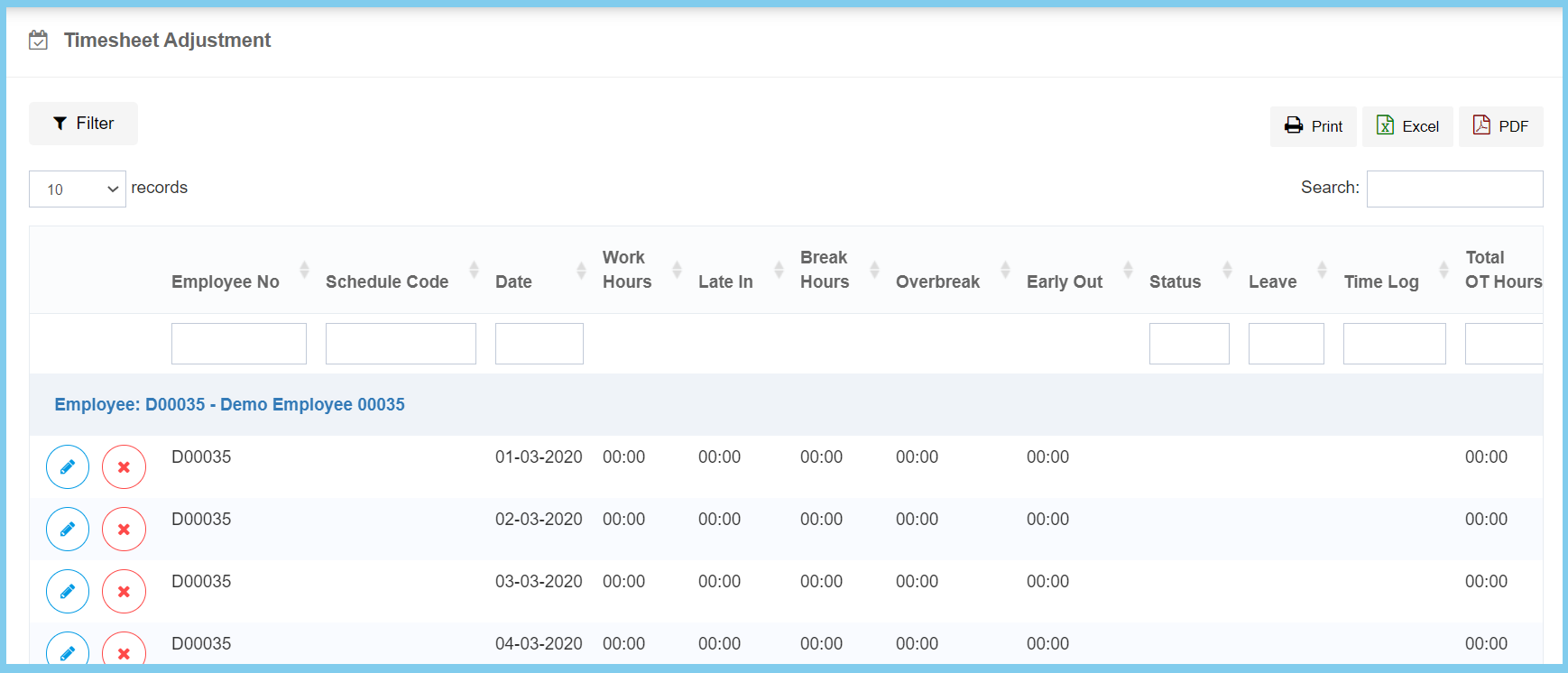
7. Click edit button on which timesheet that you wish to view or edit.
Note: You can edit anything from this timesheet. (Except Leave)
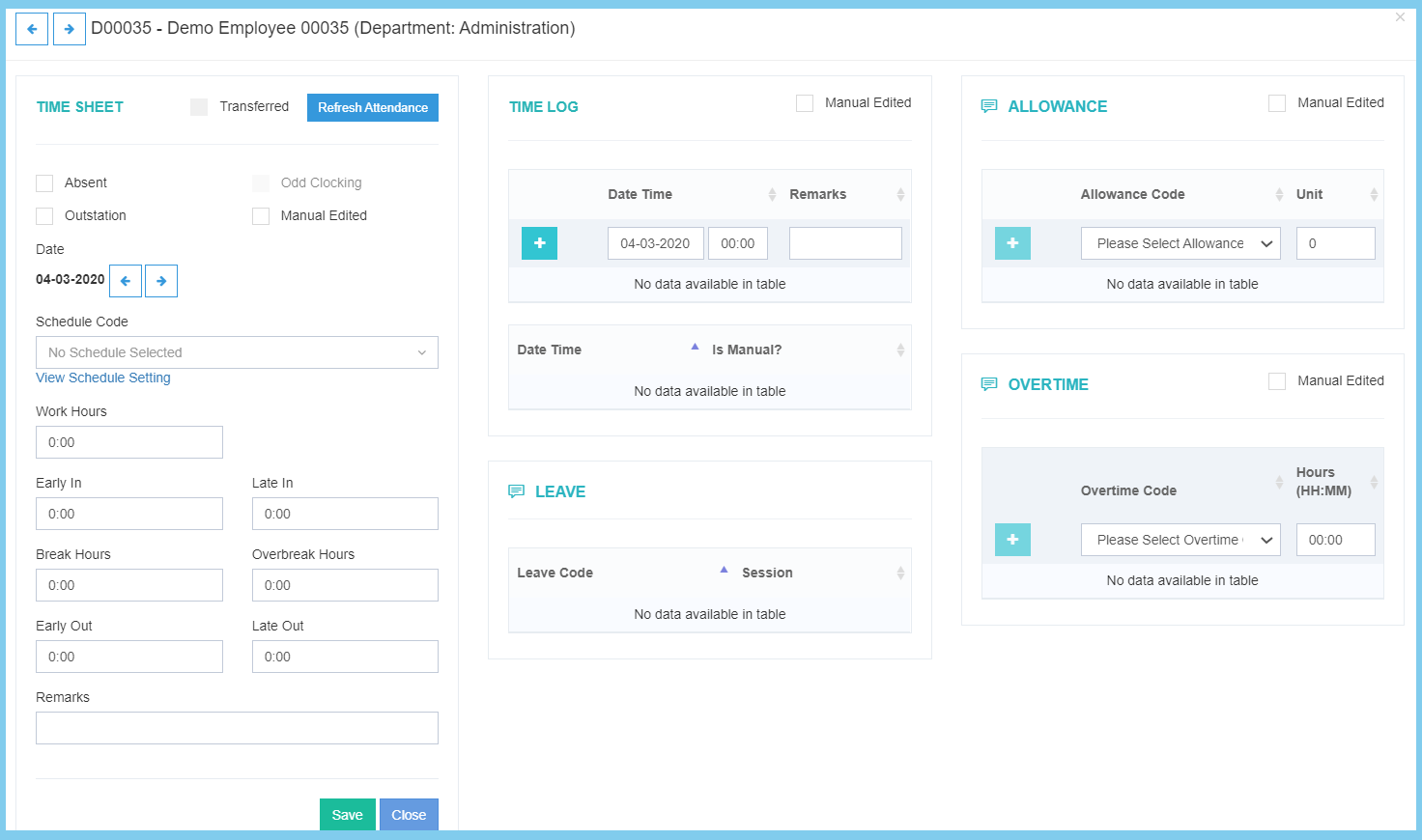
Note: If you do any edits in the left box, need to click Save button to save it.
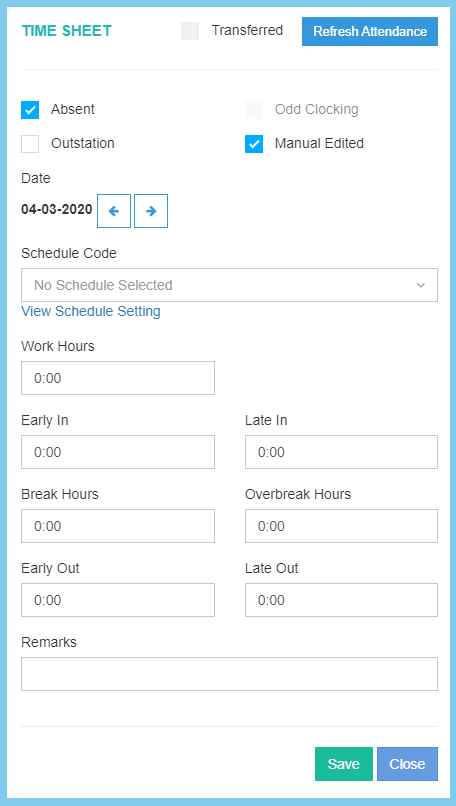
- The arrow left and right beside the date is to switch the timesheet before or after the current timesheet.
- If you wish to view or edit about the schedule code, click View Schedule Setting which located under Schedule Code.
- Click here to view how to edit schedule.
You can manual add time log, allowance and overtime into employee timesheet.
Timesheet Adjustment Configuration Option Explanation
| Option | Allowed Values | Description |
|---|---|---|
| Absent |
|
Ticked when employee was absent in this timesheet. |
| Odd Clocking |
|
Ticked when employee has odd clocking within this timesheet. |
| Outstation |
|
Ticked when employee was outstation in this timesheet. |
| Manual Edited |
|
Ticked when this timesheet is manual edit. |
| Schedule Code | Setup from schedule | It will automatic show at first, if got any mistaken, it enabled to select the schedule code from option available.
Click here to view setup. |
| Work Hours | Time Format HH:MM | It will automatic show at first, if got any mistaken, it enabled to edit the employee total working hours. |
| Early In | Time Format HH:MM | It will automatic show at first, if got any mistaken, it enabled to edit the time that employee early in. |
| Late In | Time Format HH:MM | It will automatic show at first, if got any mistaken, it enabled to edit the time that employee late in. |
| Break Hours | Time Format HH:MM | It will automatic show at first, if got any mistaken, it enabled to edit the employee total breaks hours. |
| Overbreak Hours | Time Format HH:MM | It will automatic show at first, if got any mistaken, it enabled to edit the employee total overbreak hours. |
| Early Out | Time Format HH:MM | It will automatic show at first, if got any mistaken, it enabled to edit the time that employee early out. |
| Late Out | Time Format HH:MM | It will automatic show at first, if got any mistaken, it enabled to edit the time that employee late out. |
| Remarks | Any alphanumeric | Any additional remarks for this timesheet. |
