1. Edit Employee Profile.
2. Click Payslip
3. Enter or select Year from the list.
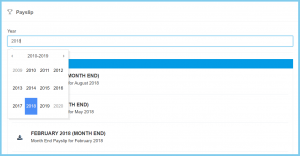
4. Click download button.

1. Edit Employee Profile.
2. Click Payslip
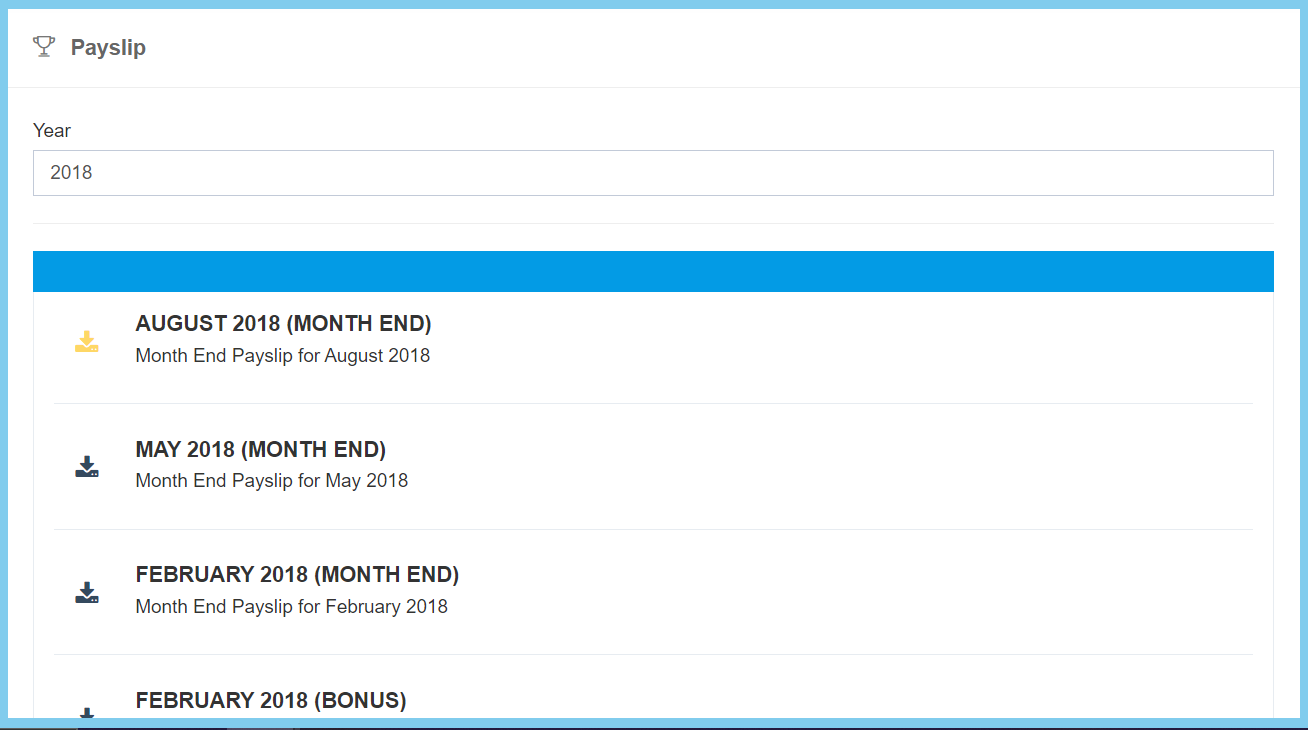
3. Enter or select Year from the list.
4. Click download button.
