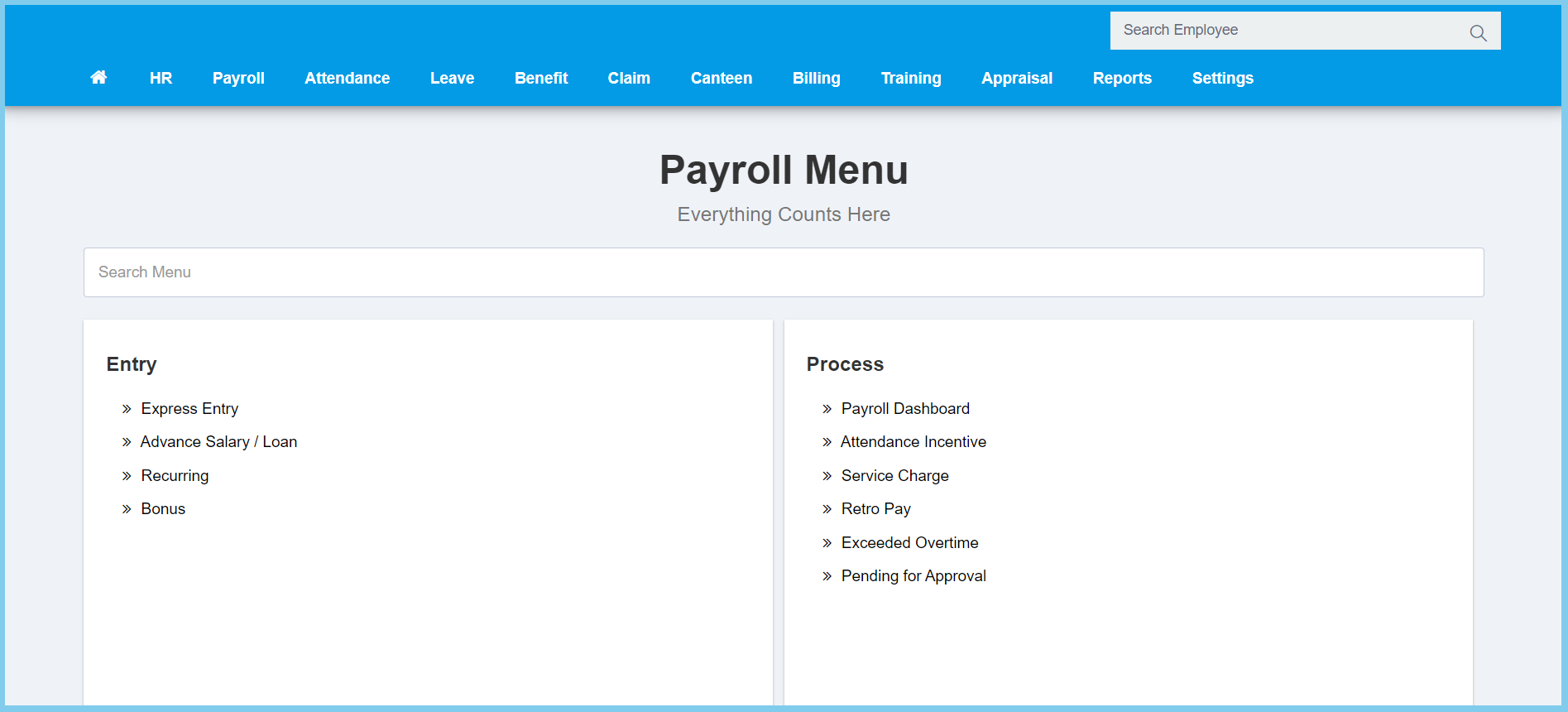
1. Menu: Click Payroll.
2. Click Advance Salary/Loan which located under Entry.
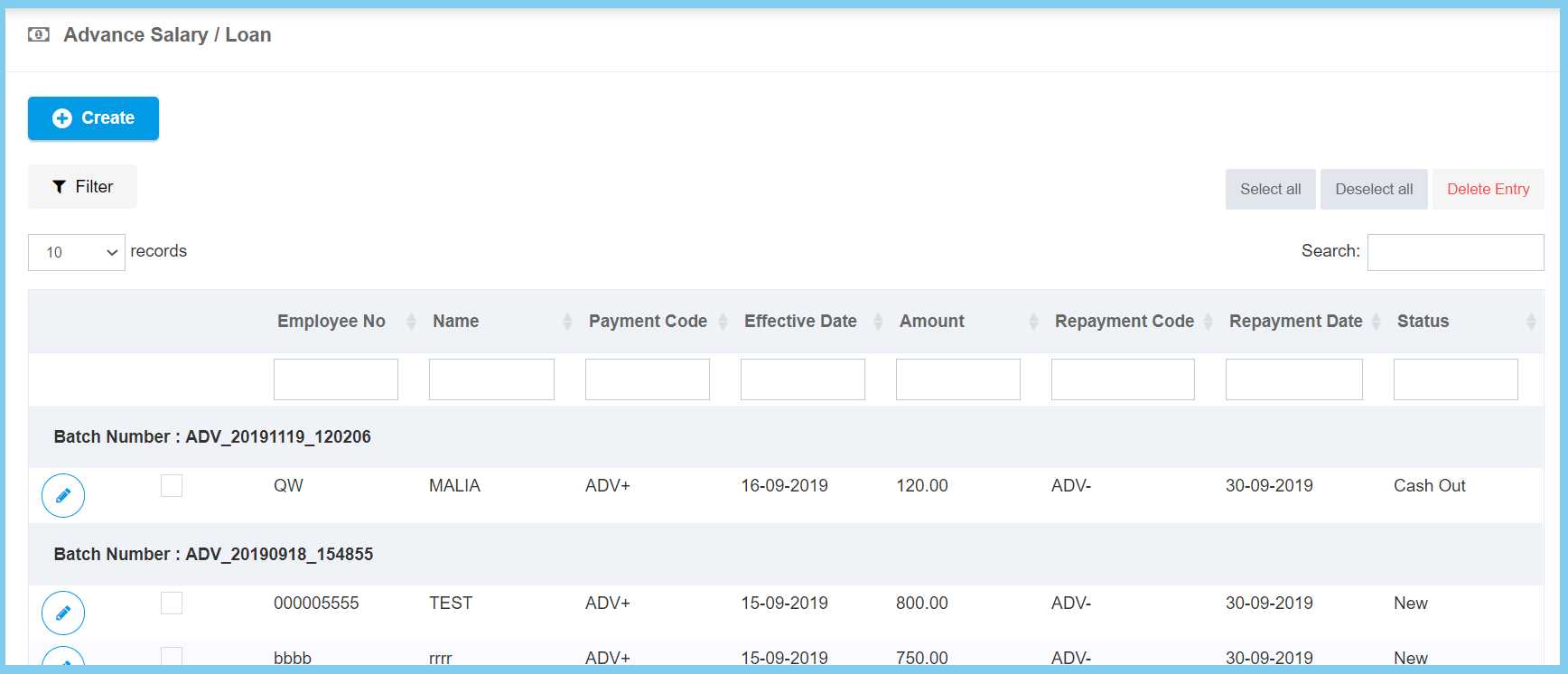
3. Click edit button on which advance salary that you wish to edit.
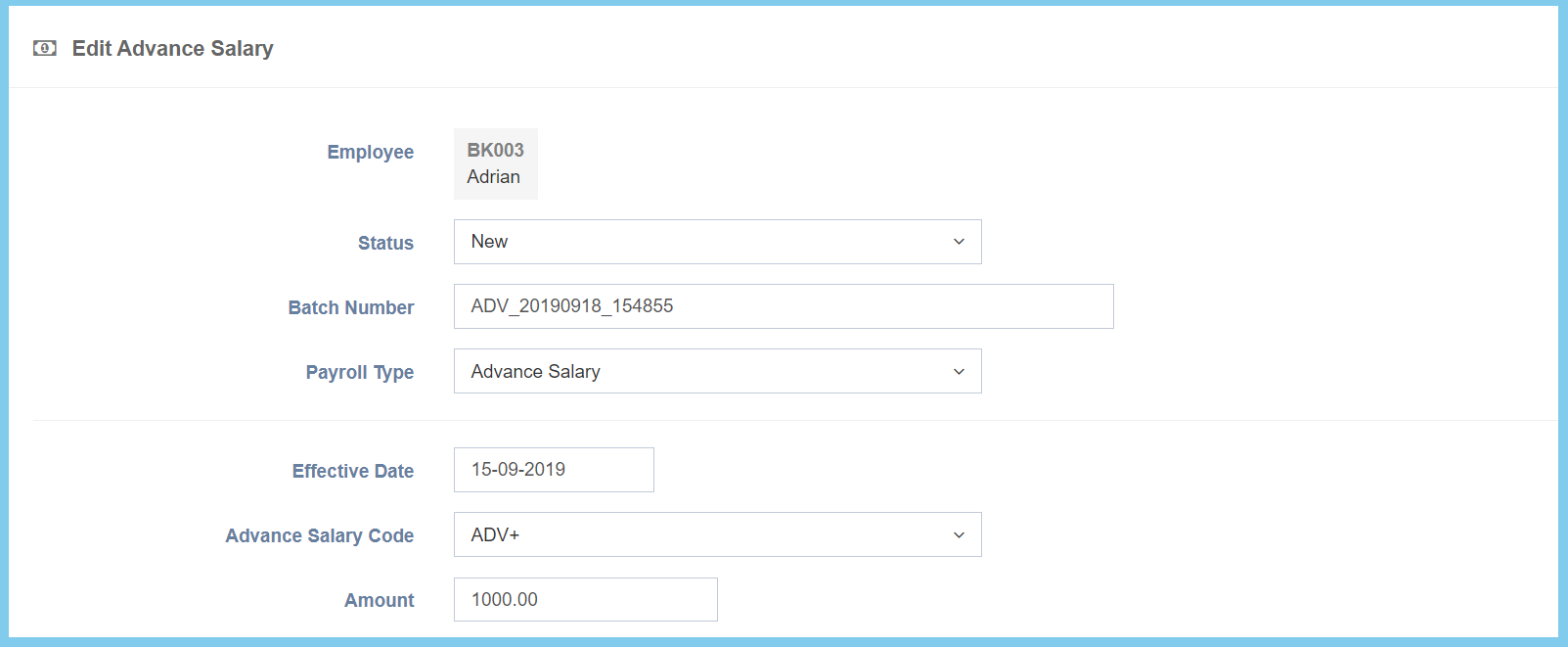
4. Edit the form.
5. Click Save button.
Advance Salary/Loan Configuration Option Explaination
| Option | Allowed Values | Description |
|---|---|---|
| Status |
|
Select the status of advance salary from option available. |
| Batch Number | Any alphanumeric | Enter the batch number. |
| Payroll Type |
|
Select the payroll type of advance salary from option available. |
| Effective Date | Select date from calendar | Select the effective advance salary date from calendar available. |
| Advance Salary Code | Setup from transaction code | Select the advance salary code from option available.
Click here to view setup. |
| Amount | Any number | Enter the amount of advance salary. |
| Option | Allowed Values | Description |
|---|---|---|
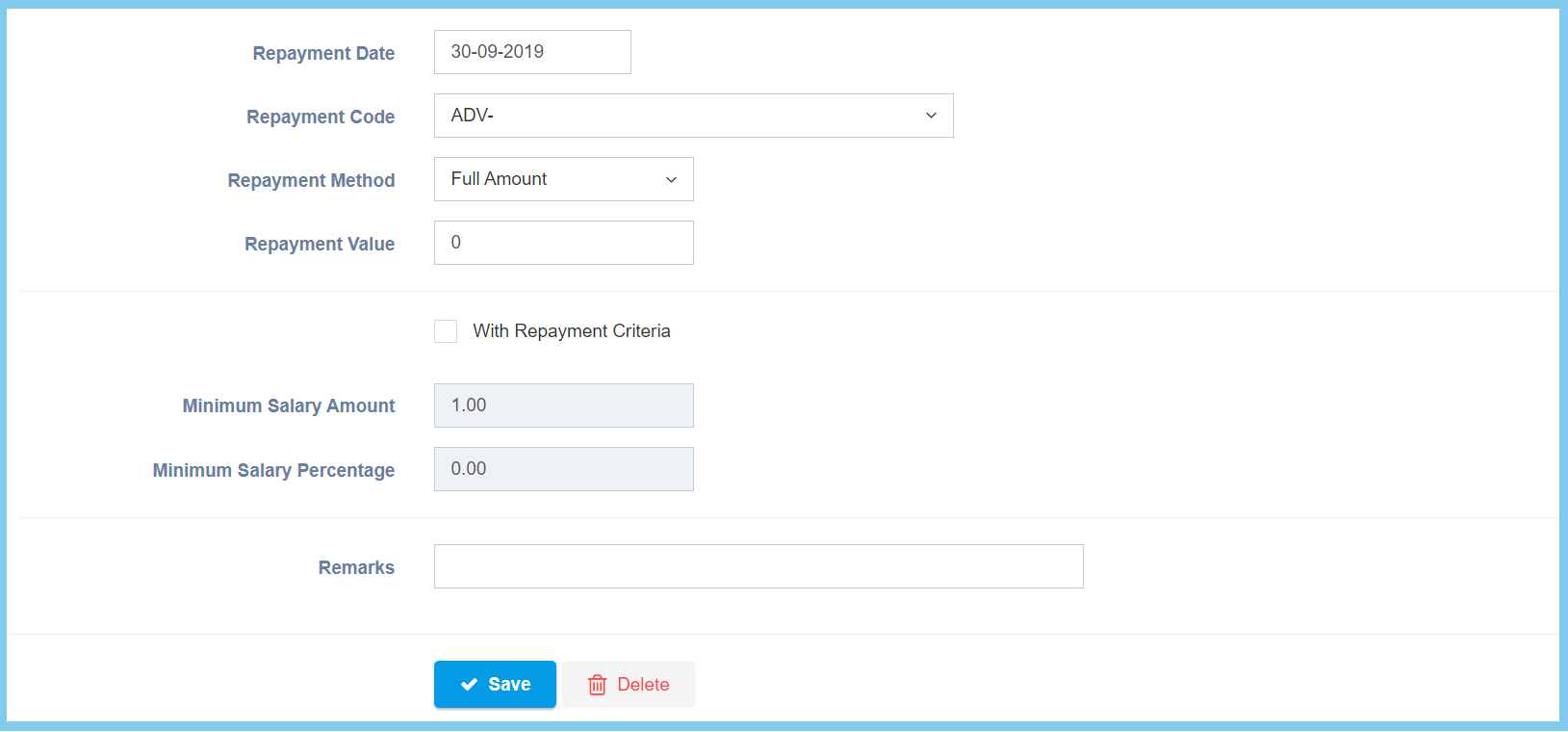
| Repayment Date | Select date from calendar | Select the repayment date of advance salary from calendar available. |
| Repayment Code | Setup from transaction code | Select the repayment code of advance salary from option available.
Click here to view setup. |
| Repayment Method |
|
Select the repayment method of advance salary from option available. |
| Repayment Value | Any number | Enter the value of repayment. |
| With Repayment Criteria |
|
Ticked when it requied to follow the repayment criteria. |
| Minimum Salary Amount | Any number | Enter the minimum amount of salary that can apply for advance salary.
This configuration will show when With Repayment Criteria is ticked. |
| Minimum Salary Percentage | Any number | Enter the minimum percentage of salary that can apply for advance salary.
This configuration will show when With Repayment Criteria is ticked. |
| Remarks | Any alphanumeric | Any additional remarks about this advance salary. |