
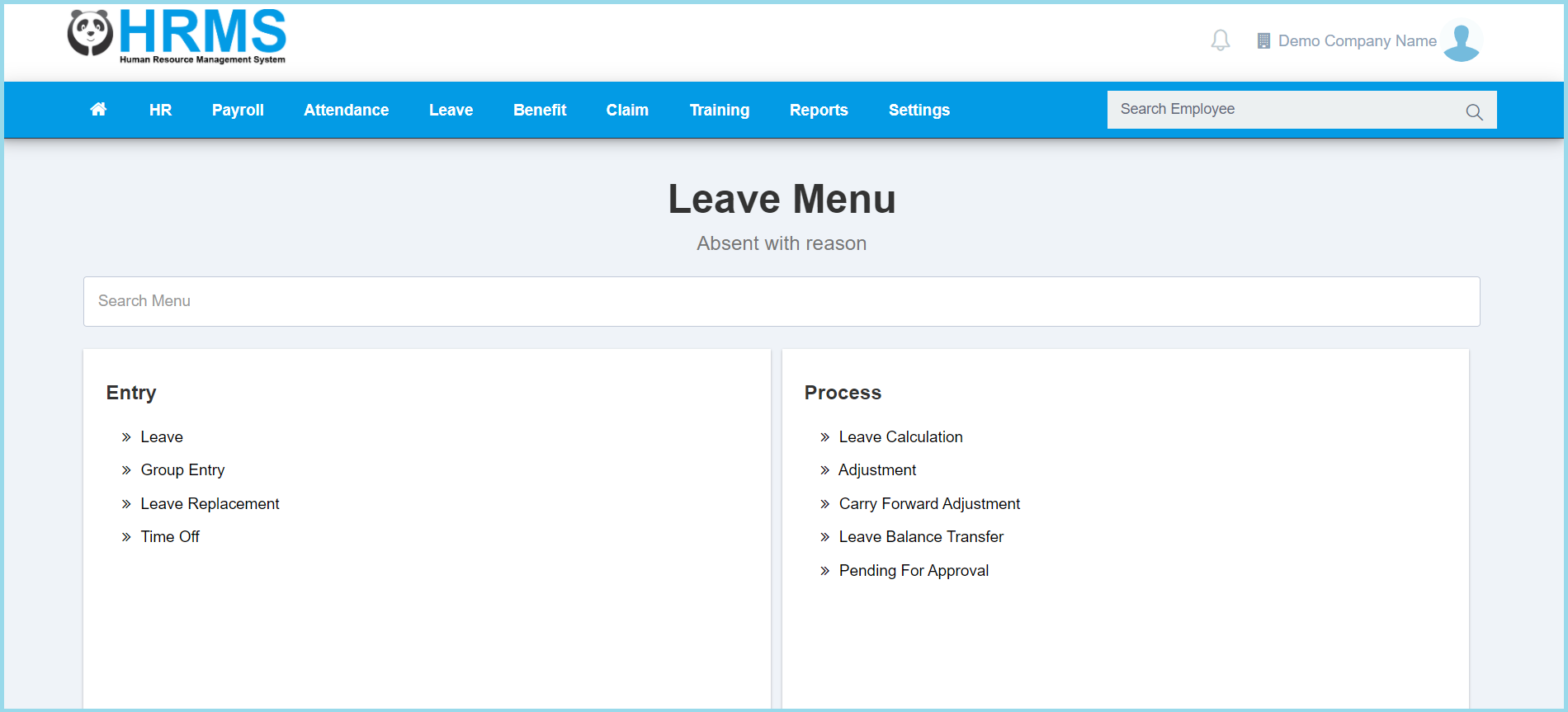
1. Menu: Click Leave.
2. Click Carry Forward Adjustment which located under Process.
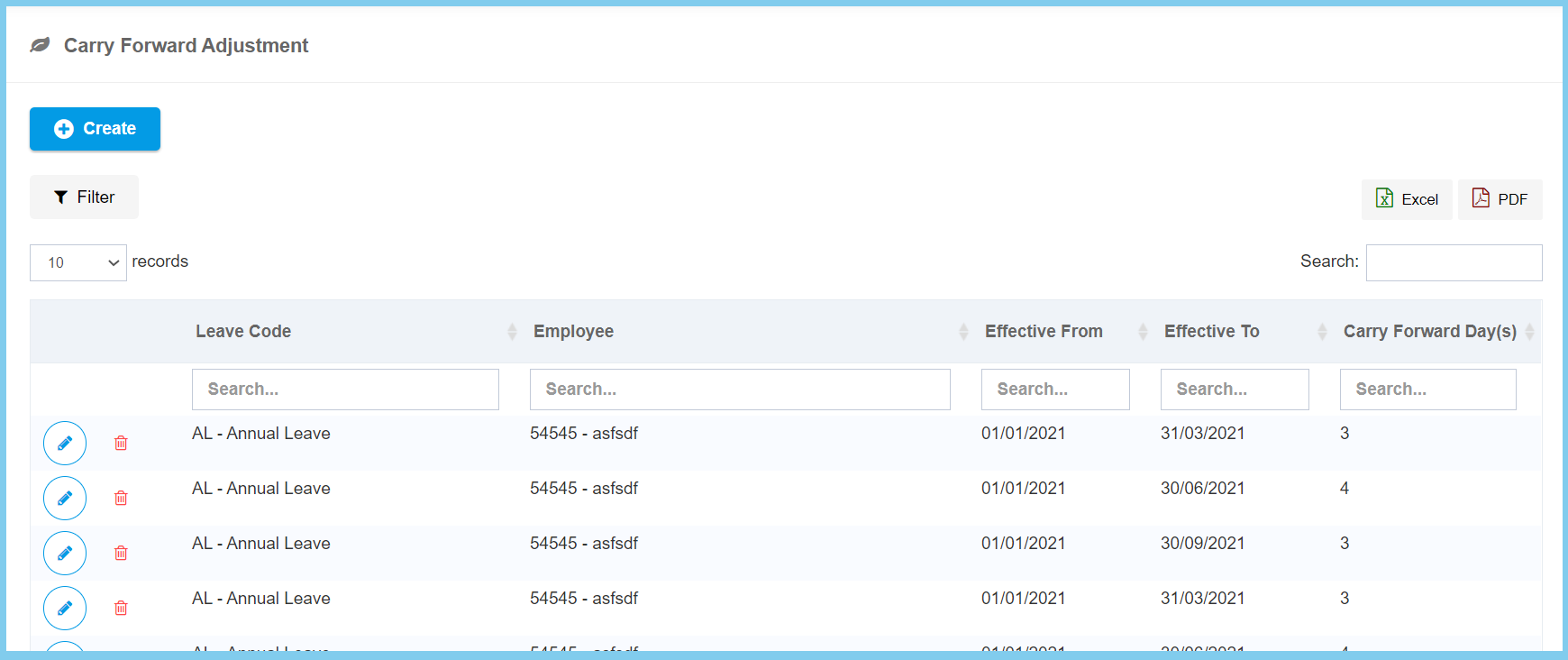
3. Click edit button on which carry forward adjustment that you wish to edit.
4. Edit the form.
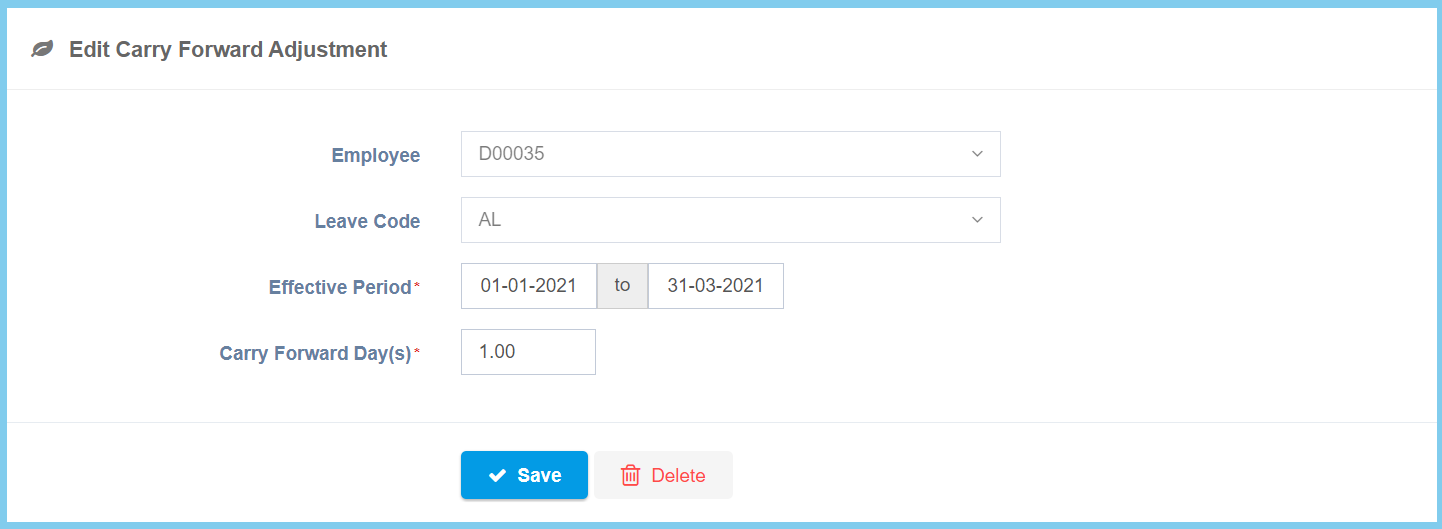
5. Click Save button.
Carry Forward Adjustment Configuration Option Explanation
| Option | Allowed Values | Description |
|---|---|---|
| Employee | Selection from employee | Select the employee for this leave carry forward adjustment from option available. |
| Leave Code | Setup from leave code | Select the leave code for this leave carry forward adjustment from option available.
Click here to view setup. |
| Effective Period | Select date from calendar | Select the effective start date and end date of this leave carry forward adjustment from calendar available. |
| Carry Forward Day(s) | Any number | Enter the total carry forward leave days which allowed to carry forward in effective period. |
