
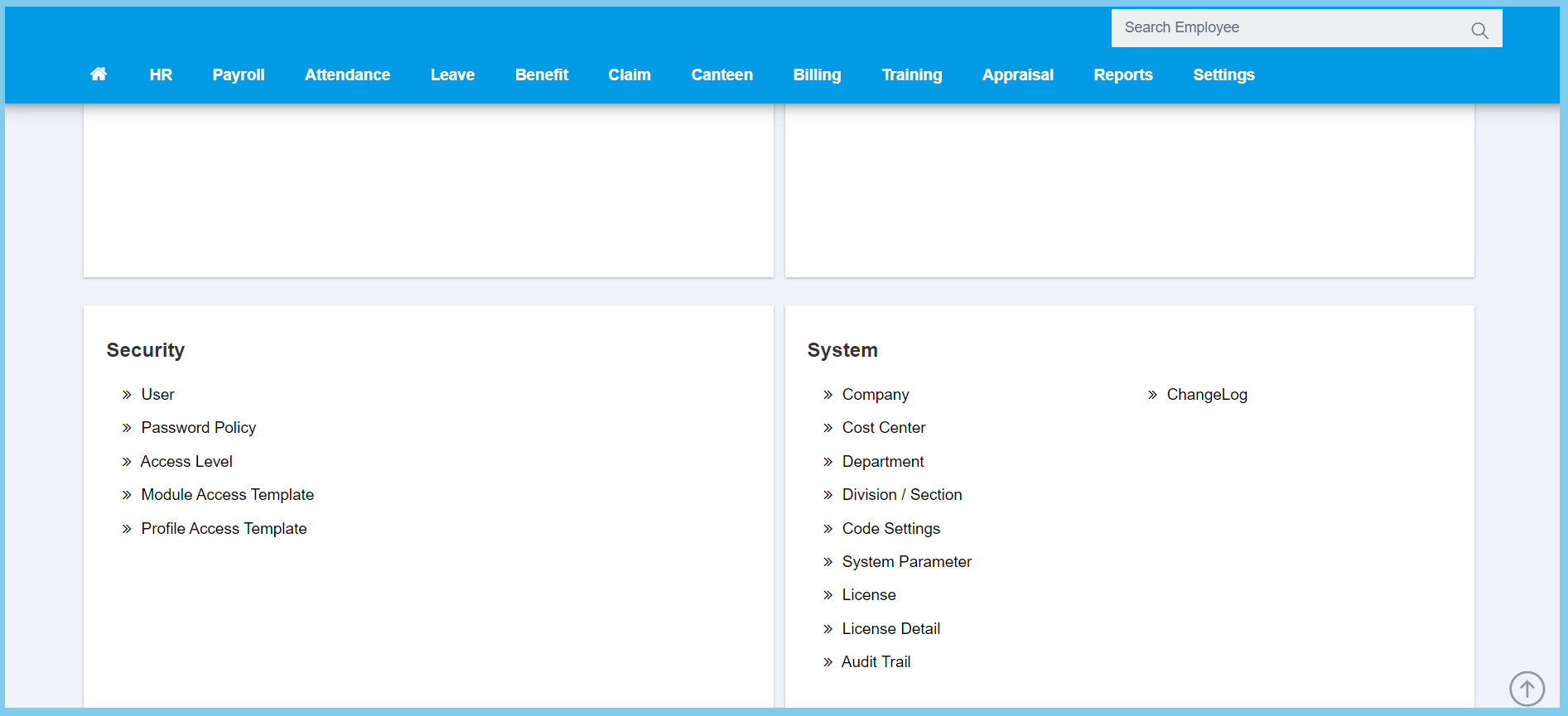
1. Menu: Click Settings.
2. Click Module Access Template which located under Security.
3. Click edit button on which module acccess template that you wish to edit.
4. Edit the template.
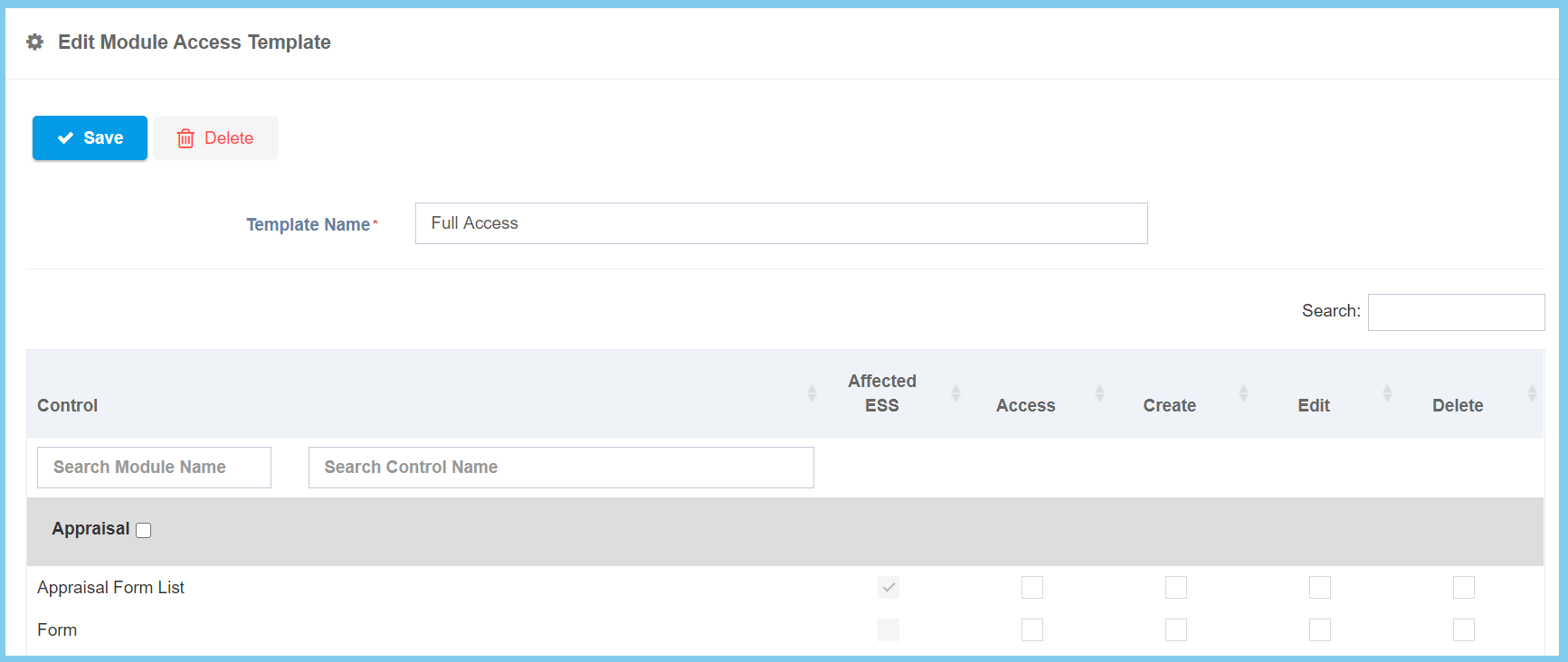
- In template, you can use search bar to search the module or control that you wish to tick for this template.
- When you ticked on the module which means the controls that in the module are all access.
- You can also choose certain of the controls in a module.
5. Click Save button.
