
1. Edit Employee Profile.
2. Click Previous Income.
3. Click edit button on which previous income that you wish to edit.
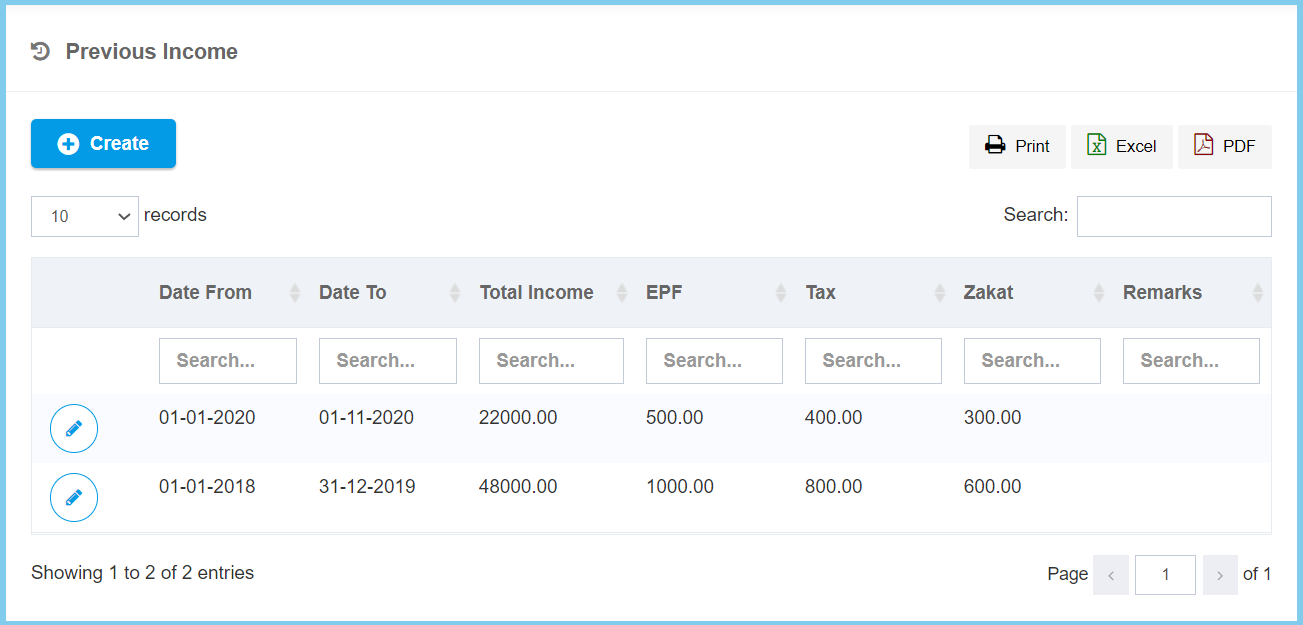
4. Edit the form.
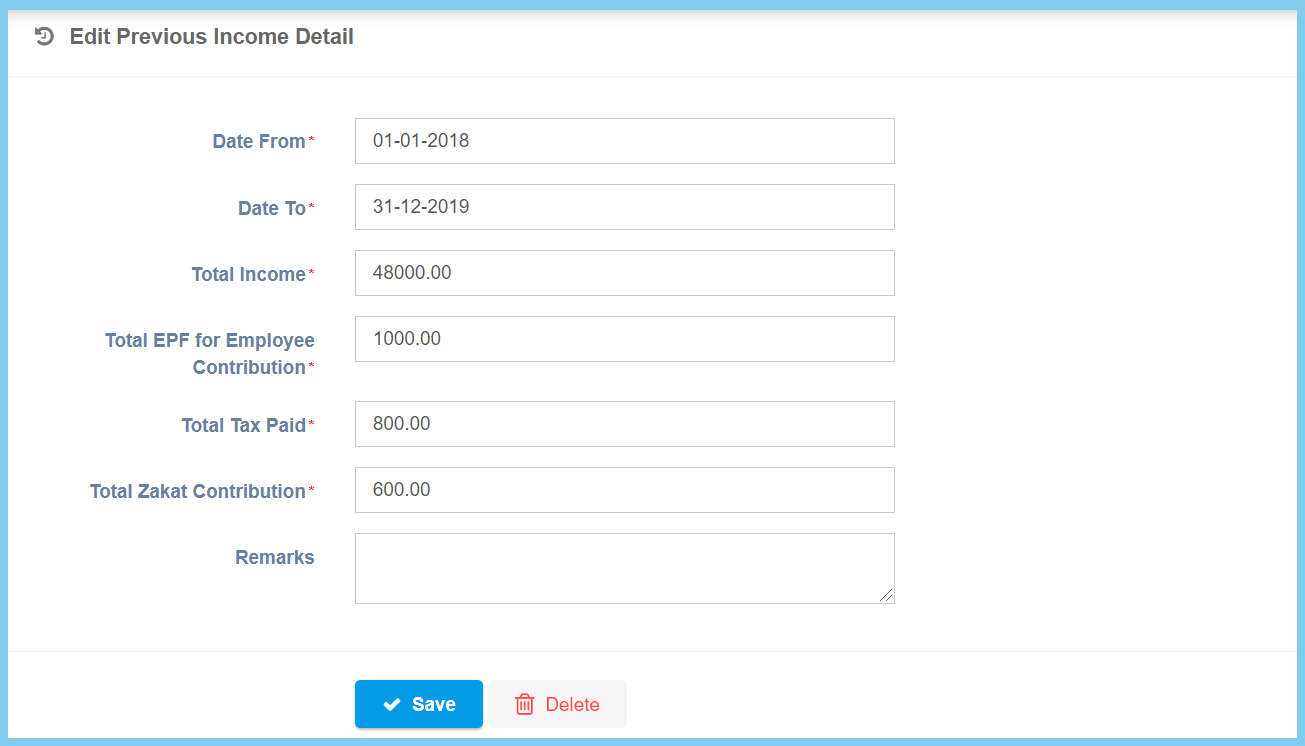
5. Click Save button.
Previous Income Configuration Option Explaination
| Option | Allowed Values | Description |
|---|---|---|
| Date From | Select date from calendar | Select the start date for previous income from calendar available. |
| Date To | Select date from calendar | Select the end date for previous income from calendar available. |
| Total Income | Any number | Enter the total amount of previous income. |
| Total EPF for Employee Contribution | Any number | Enter the total amount of EPF for employee contribution. |
| Total Tax Paid | Any number | Enter the total amount of tax paid. |
| Total Zakat Contribution | Any number | Enter the total amount of zakat contribution. |
| Remarks | Any alphanumeric | Any additional remarks about this previous income. |
