
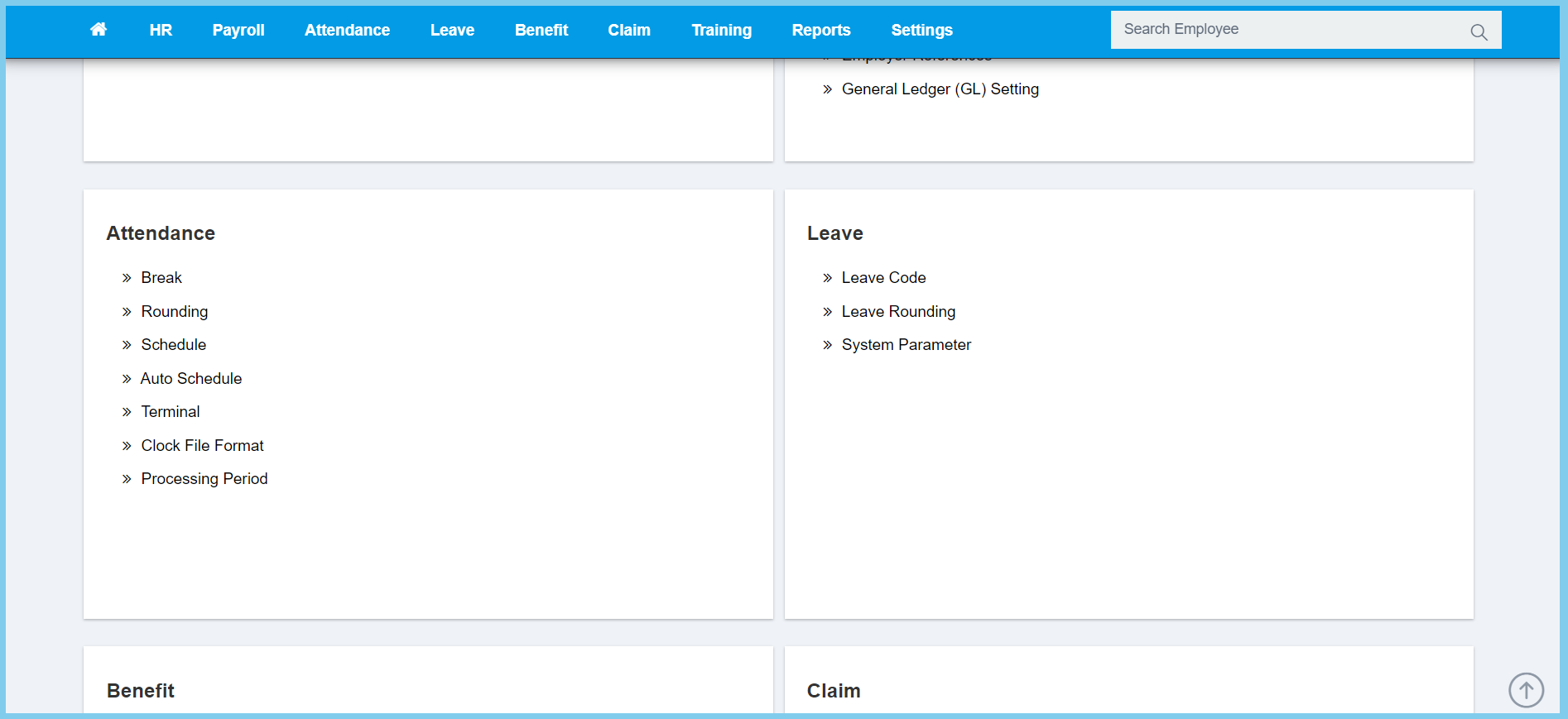
1. Menu: Click Settings.
2. Click Rounding which located under Attendance.
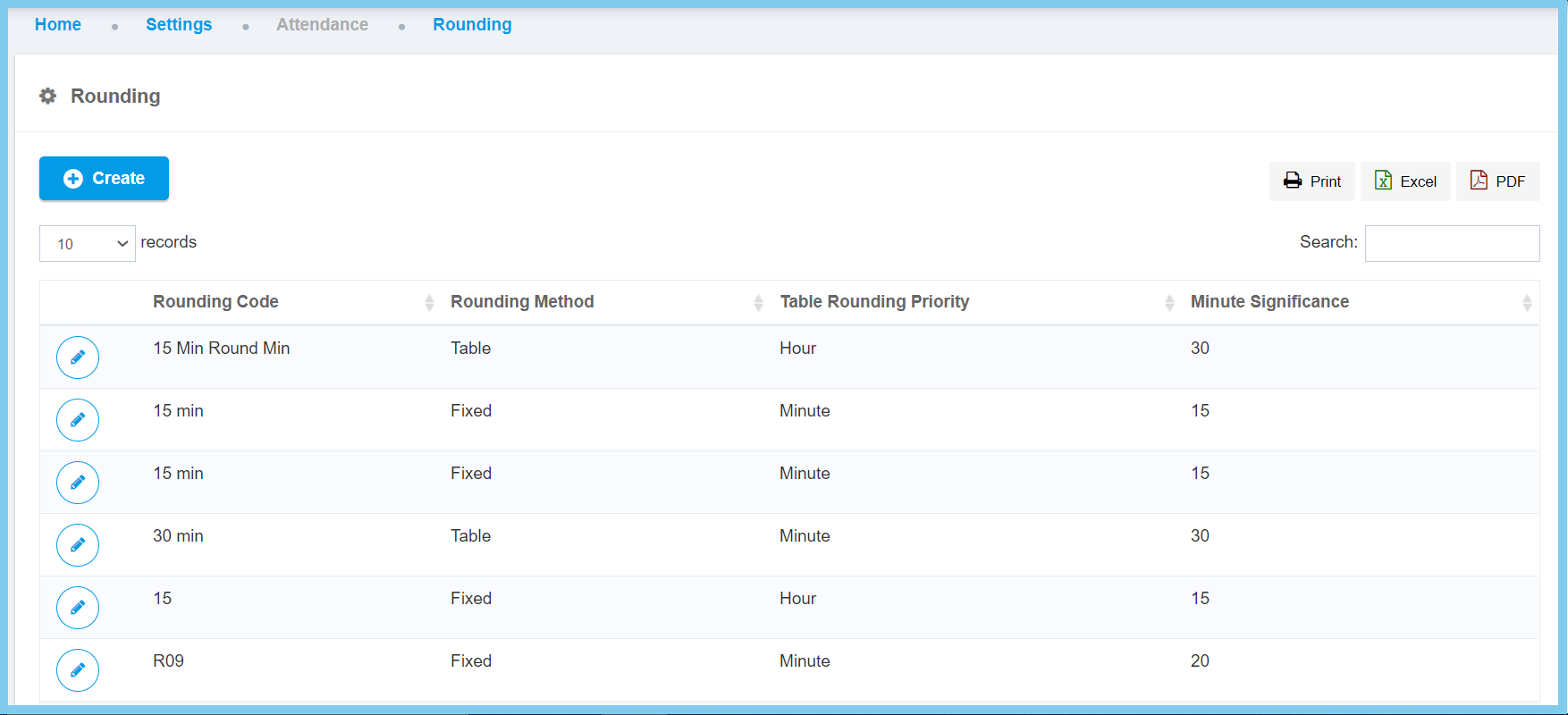
3. Click edit button on which rounding setting that you wish to edit.
4. Edit the form.
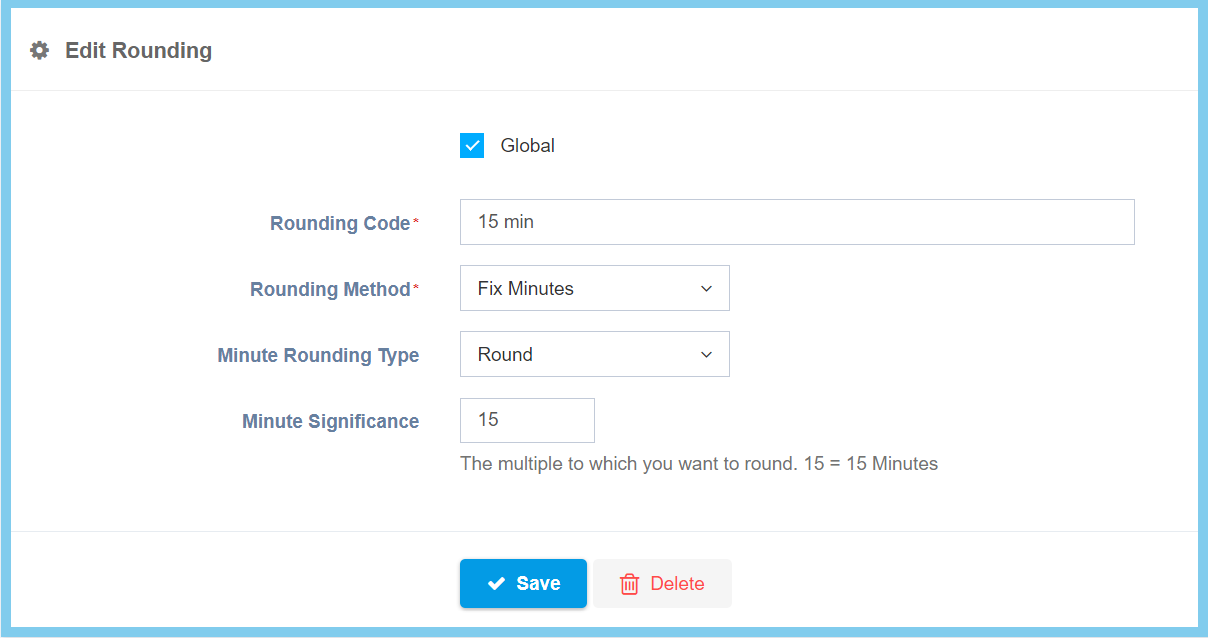
5. Click Save button.
Rounding Configuration Option Explanation
| Option | Allowed Values | Description |
|---|---|---|
| Global |
|
If global is enabled, the code will be visible from other companies. If not, it can only be used by its own company. |
| Rounding Code | Any alphanumeric | To set simple and unique code to define rounding code. |
| Rounding Method |
|
Choose the either two of rounding method which is:
|
| Table Rounding |
|
There are two table rounding priority can be choose which is either can be round up by hour or by minute. |
| Minute Significance | Any number | Specify the value criteria to round up. (Example 15 = 15 minutes) |
| Minute Rounding Type |
|
There are three types of minute rounding can be chosen.
|
