
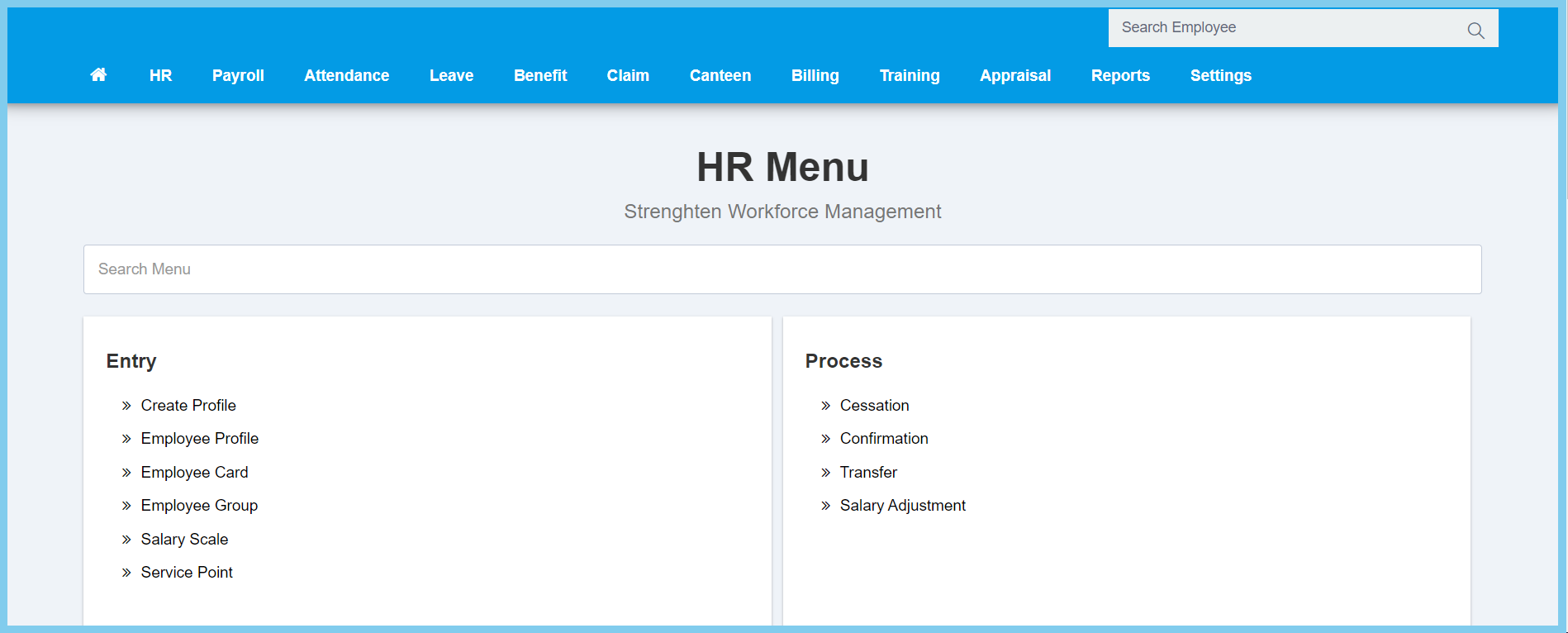
1. Menu: Click HR.
2. Click Transfer which located under Process.
3. Click edit button on which tranfered employee that you wish to edit.
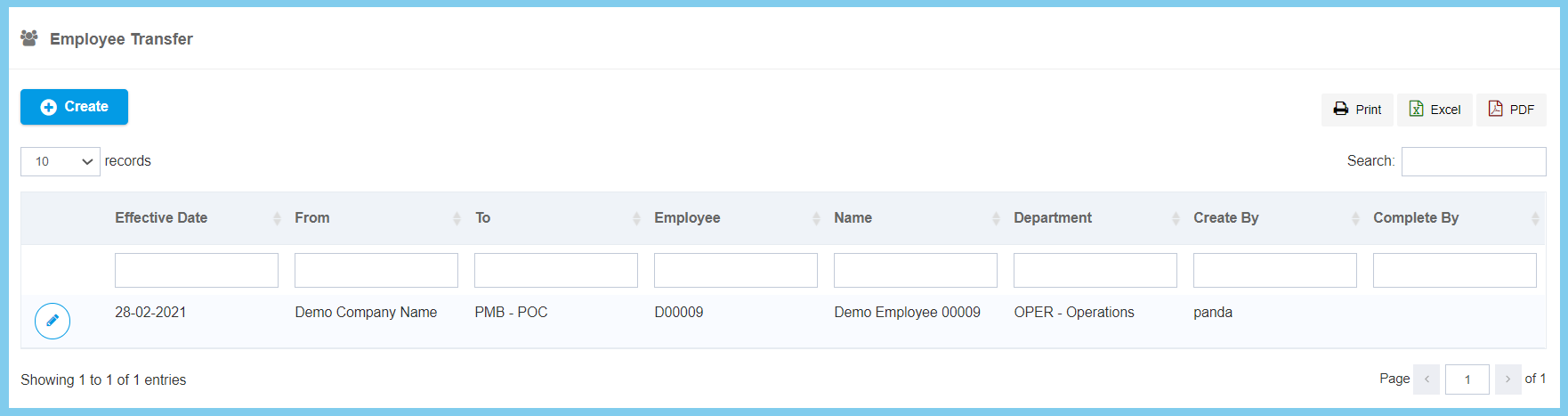
Note: The list will only the employee who is been external transfered.
4. Complete the selection.
5. Click Save button.
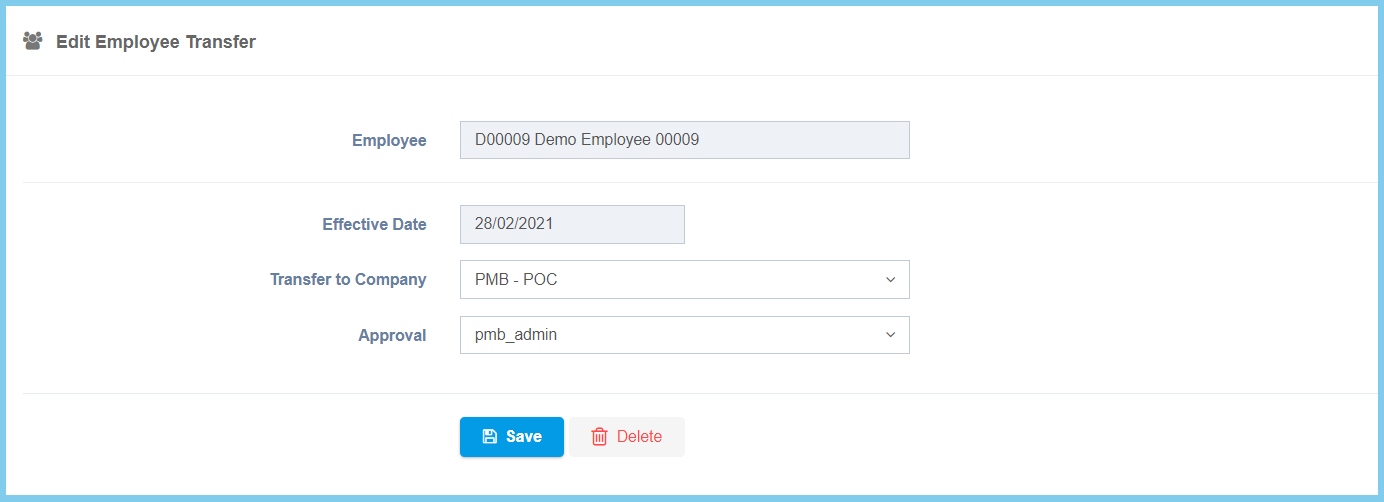
Transfer Configuration Option Explaination
| Option | Allowed Values | Description |
|---|---|---|
| Employee | Not specified | The name and number of employee. It is not editable. |
| Effective Date | Not specified | The effective date of employee transfer. It is not editable. |
| Transfer to Company | Selection from company | Select the company that which the employee transfer to. |
| Approval | Selection from approval | Select the approval for the tranference. |
