
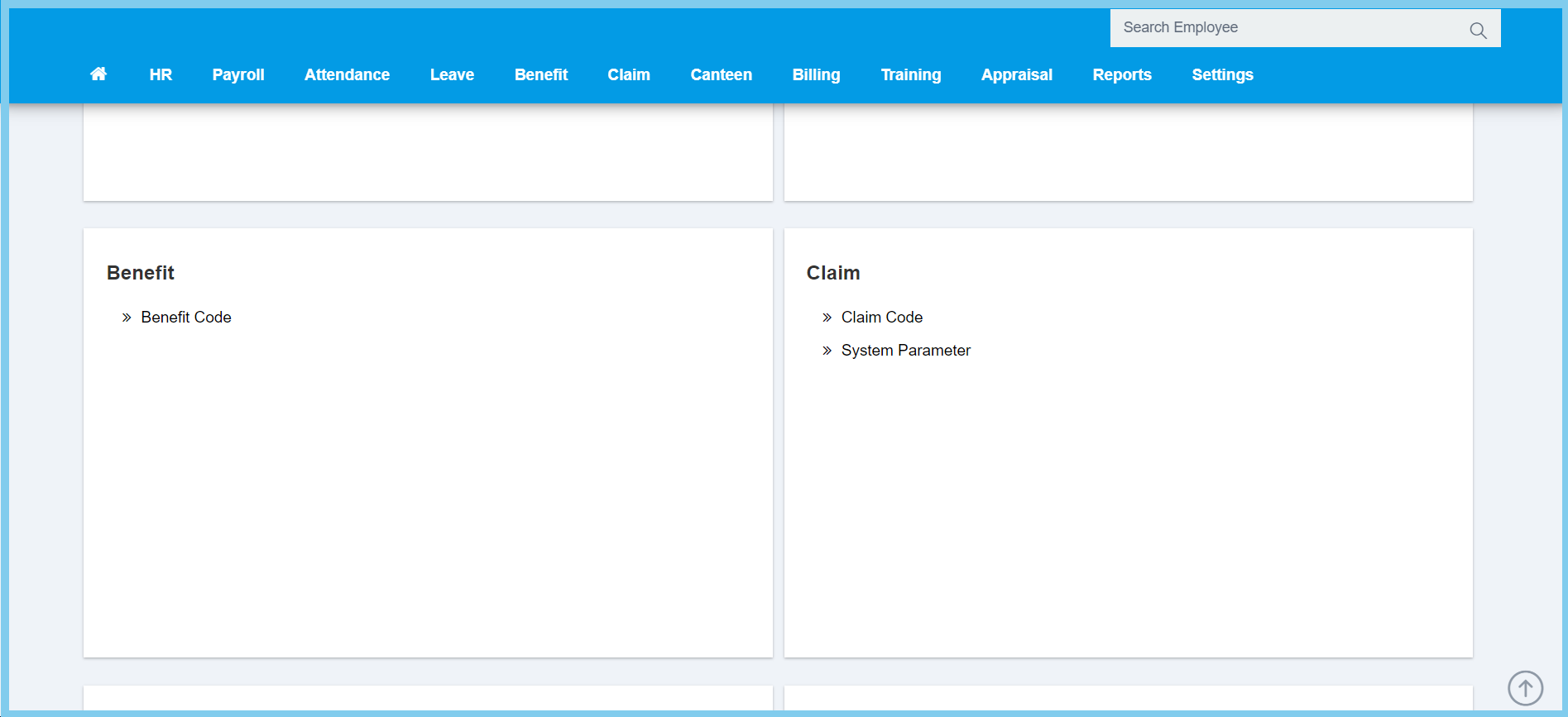
1. Menu: Click Settings.
2. Click Claim Code which located under Claim.
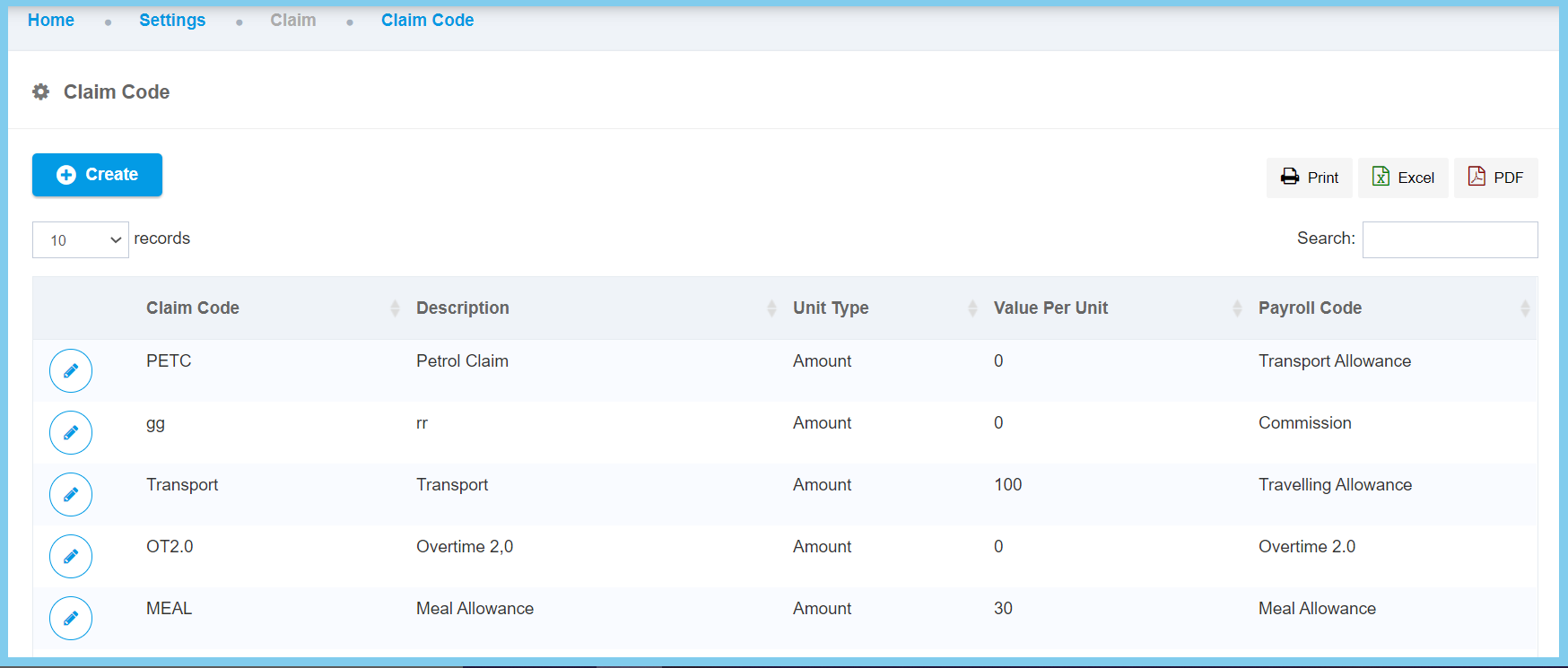
3. Click Create button.
4. Fill the form.

5. Click Create button.
Claim Code Configuration Option Explaination
| Option | Allowed Values | Description |
|---|---|---|
| Global |
|
If global is enabled, the code will be visible from other companies. If not, it can only be used by its own company. |
| Claim Code | Any alphanumeric | To set simple and unique code to define claim code. |
| Description | Any alphanumeric | Any description about this claim code. |
| Unit Type |
|
Set up the unit type according to the claim refund criteria for the application uses. |
| Measurement label | Any alphanumeric | Once choose unit type is unit, then this field will allow to enter the measurement label of unit. |
| Payroll Code | Setup from transaction code | Set up the payroll code for the claim code to process for payroll purposes.
Click here to view setup. |
| Value Per Unit | Any number | Set up the amount that will pay for every unit count if the unit type is unit. |
