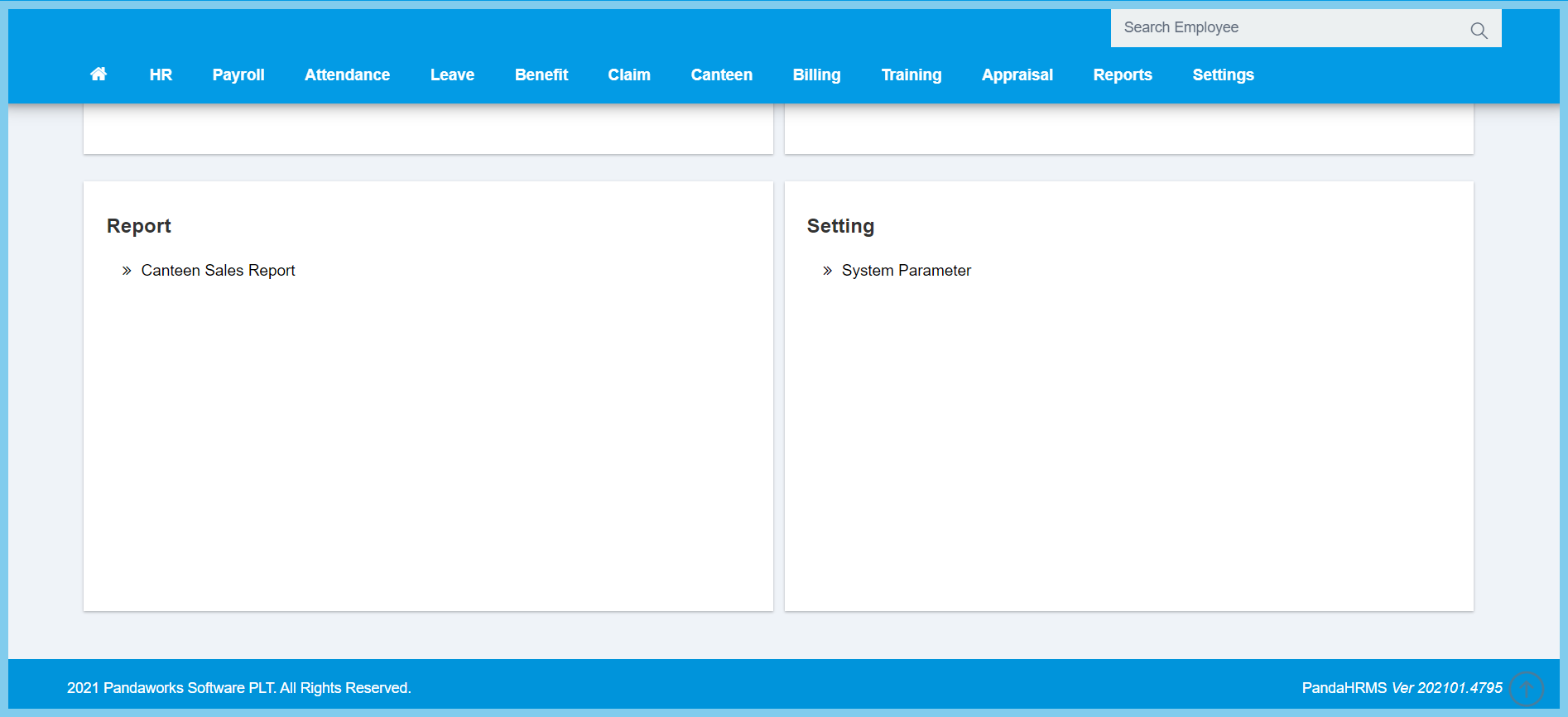
1. Menu: Click Canteen.
2. Click Employee Spending History which located under Process.
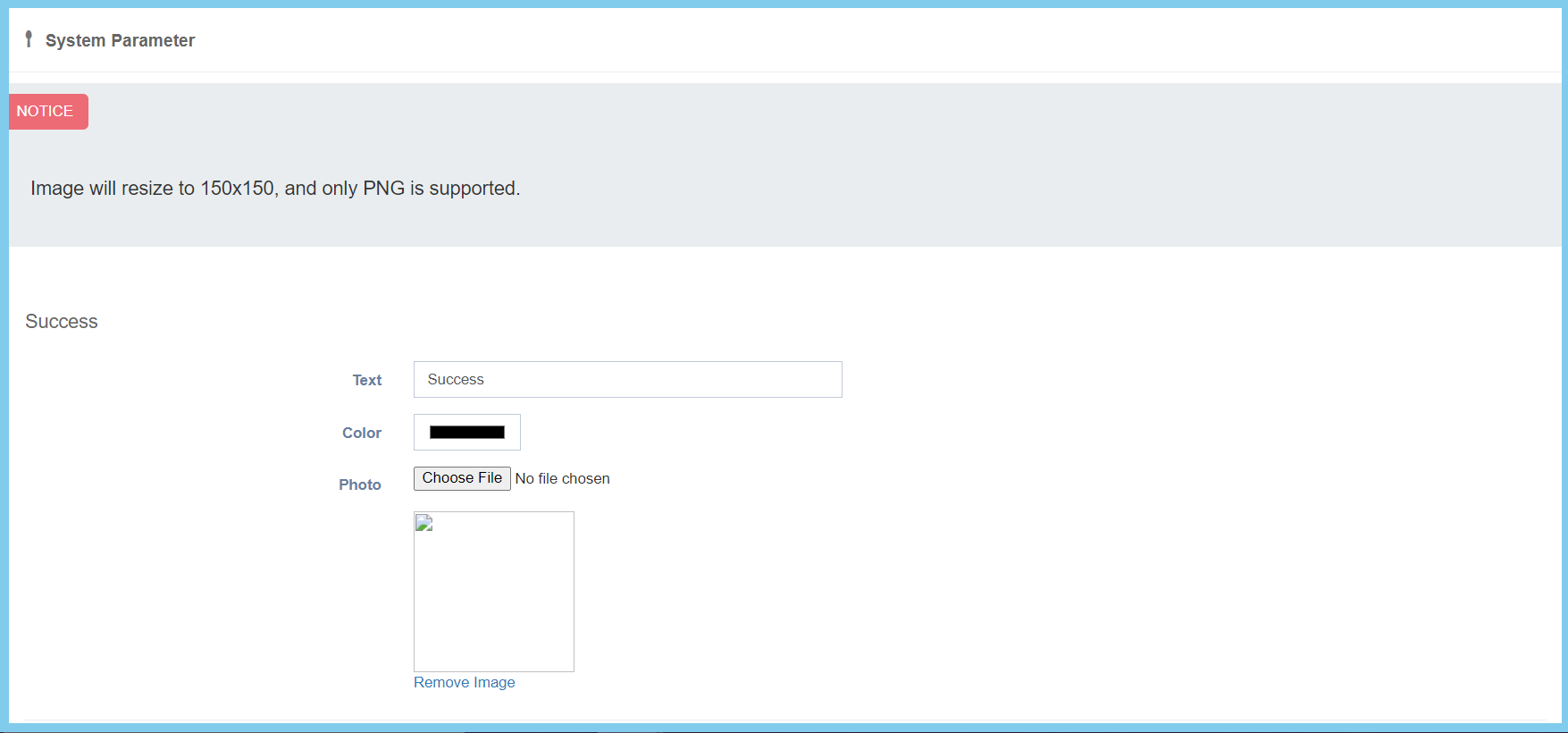
3. Edit the configuration.
4. Click Save button.
System Parameter Configuration Option Explanation
| Option | Allowed Values | Description |
|---|---|---|
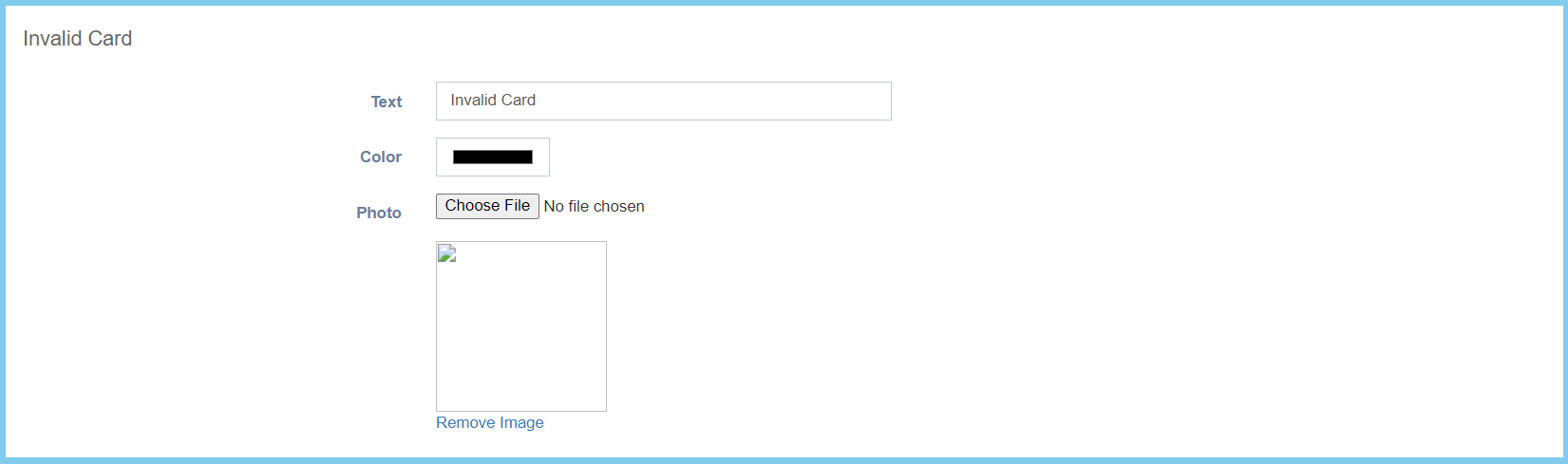
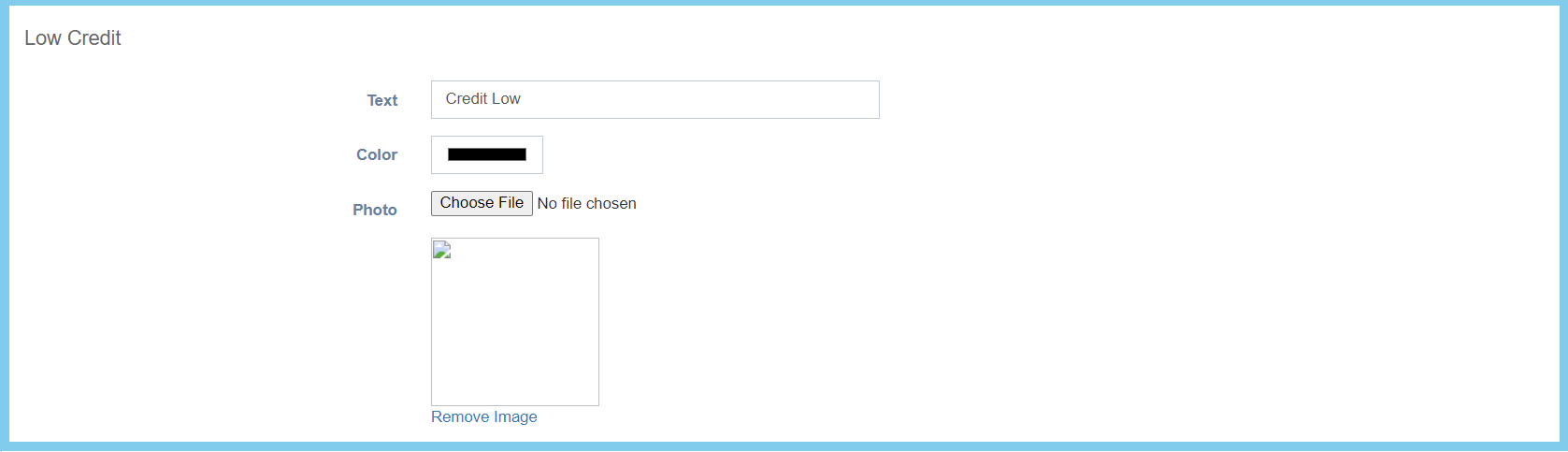
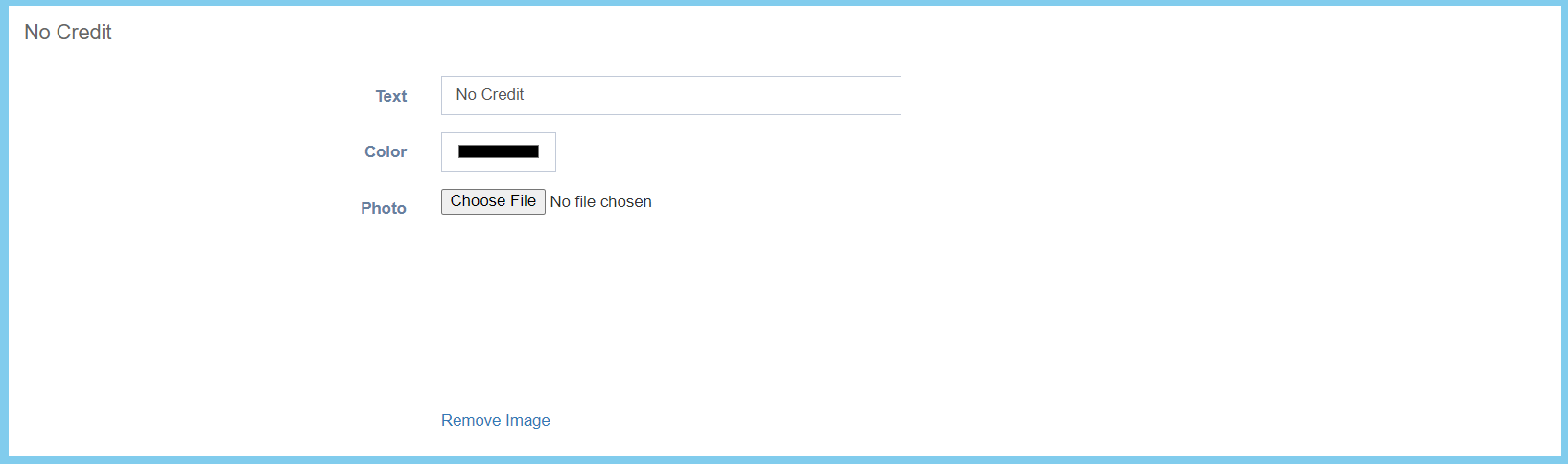
| Text | Any alphanumeric | Enter the text for each section. |
| Color | Select color from palette | Select the color from palette available. |
| Photo | Image path | Upload image for each section. |
| Option | Allowed Values | Description |
|---|---|---|
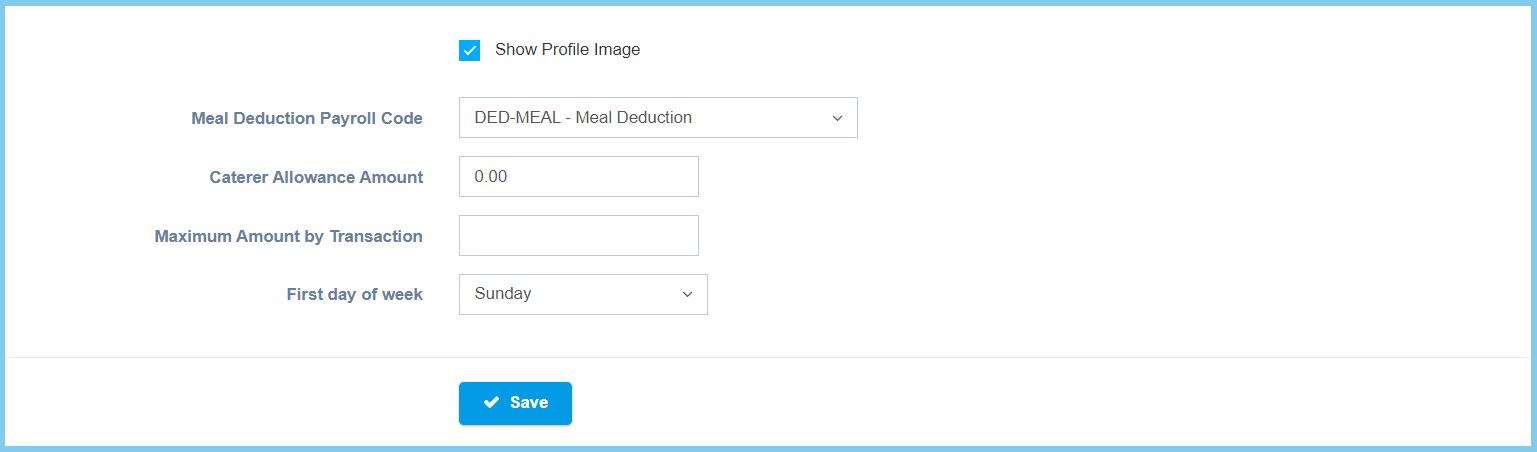
| Show Profile Image |
|
If ticked, it will show profile image. |
| Meal Deduction Payroll Code | Setup from transaction code | Select the meal deduction payroll code from option available.
Click here to view setup. |
| Caterer Allowance Amout | Any number | Enter the amount of caterer allowance. |
| Maximum Amount by Transaction | Any number | Enter the maximum amount of transaction. |
| First day of week |
|
Select the first day of week, either sunday or monday. |