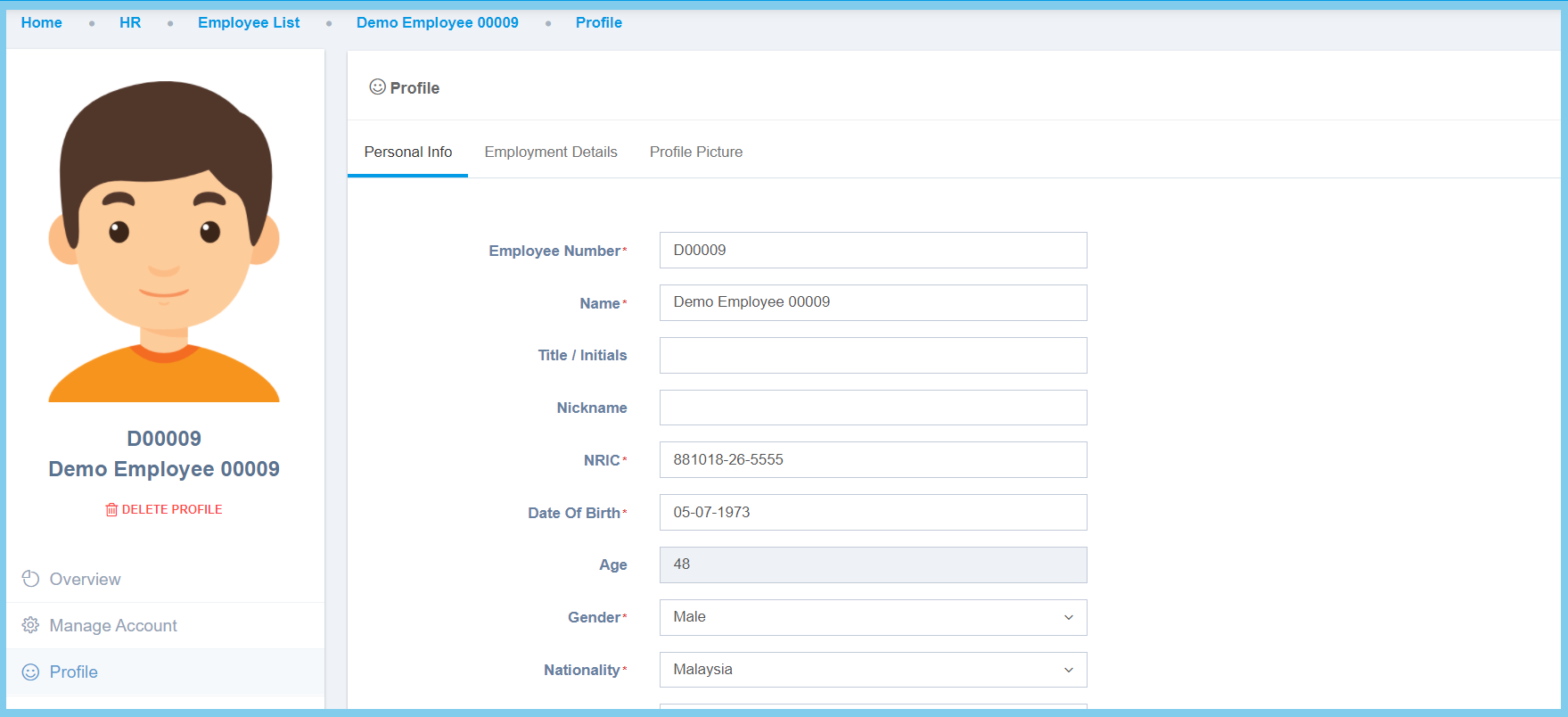
HR Admin: How To Upload Attachment In Profile? By support|2021-02-10T16:36:02+08:00February 10th, 2021|Education Hub, HR Admin, HR Hub|0 Comments 1. Edit Employee Profile. 2. Click Attachment. 3. Click or drag the file that wish to upload. Share This Story, Choose Your Platform! FacebookTwitterRedditLinkedInWhatsAppTumblrPinterestVkEmail About the Author: support