
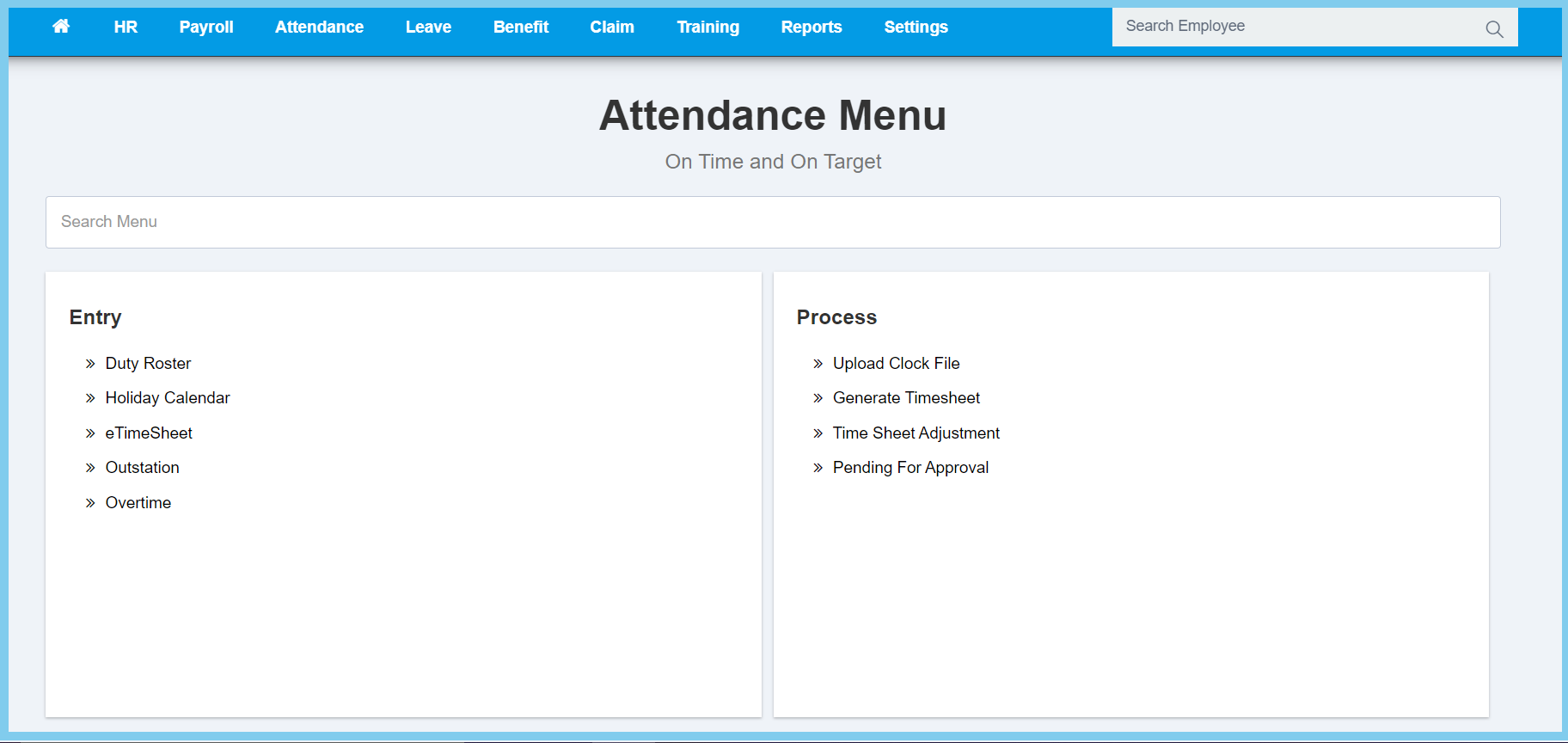
1. Menu: Click Attendance.
2. Click Upload Clock File which located under Process.
3. Complete form.
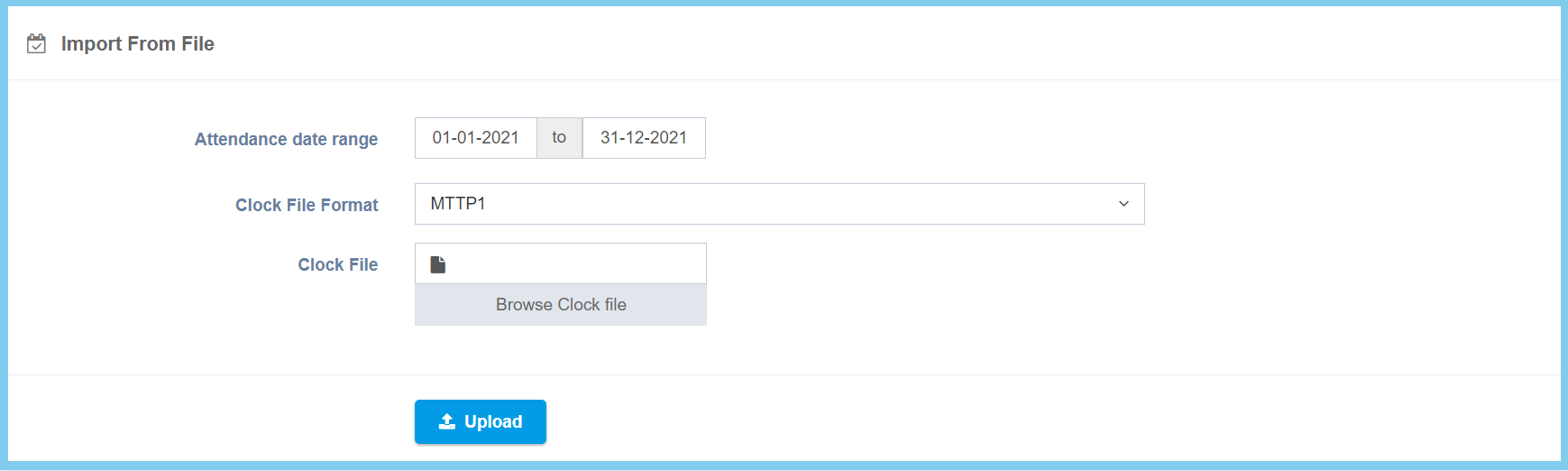
4. Click Upload button.
Upload Clock File Configuration Option Explanation
| Option | Allowed Values | Description |
|---|---|---|
| Attendance date range | Select date from calendar | Select the date range of clock file from calendar available. |
| Clock File Format | Setup from clock file format | Select the clock file format from option available.
Click here to view setup. |
| Clock File | File path | Upload supporting file. |
