
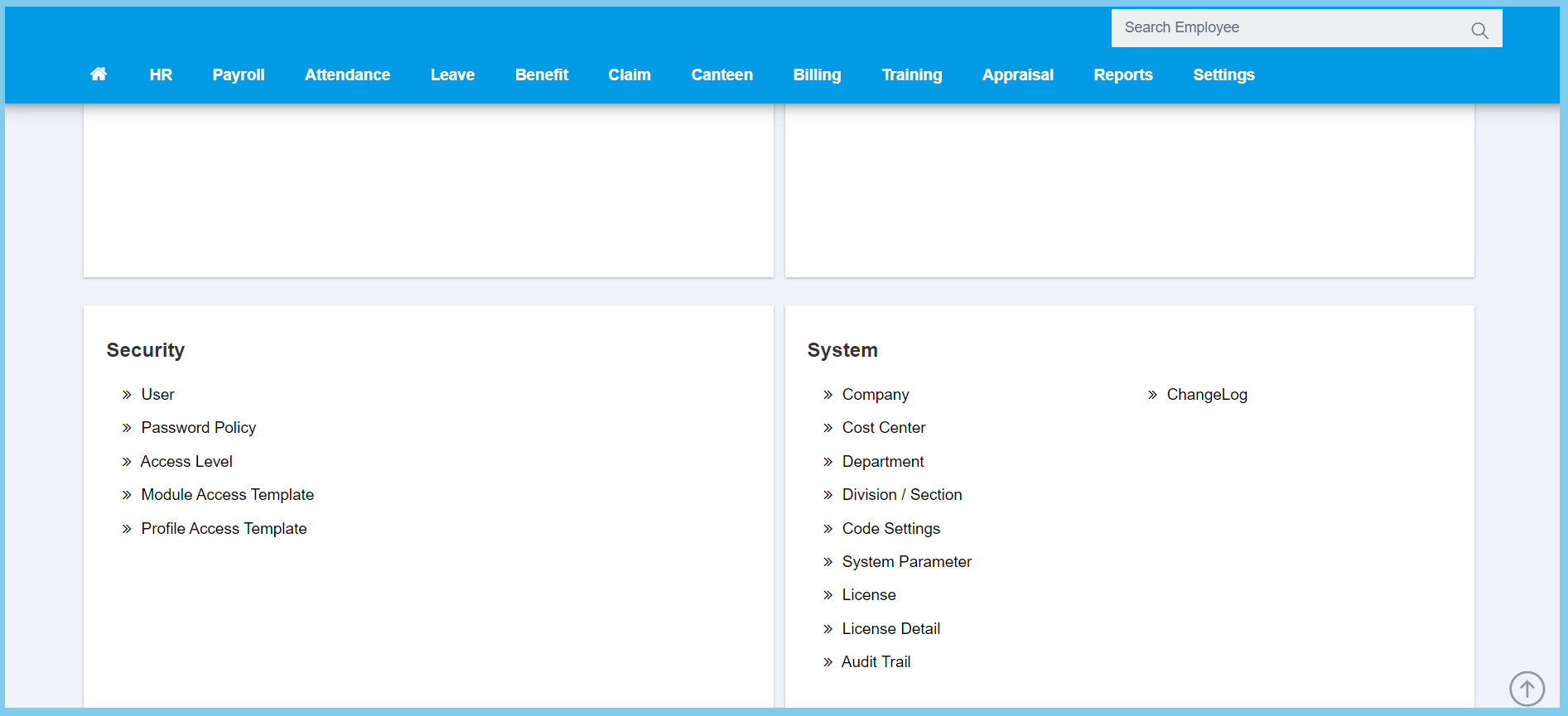
1. Menu: Click Settings.
2. Click Audit Trail which located under System.
- Can choose date range, username and module by using filter list on the left box.
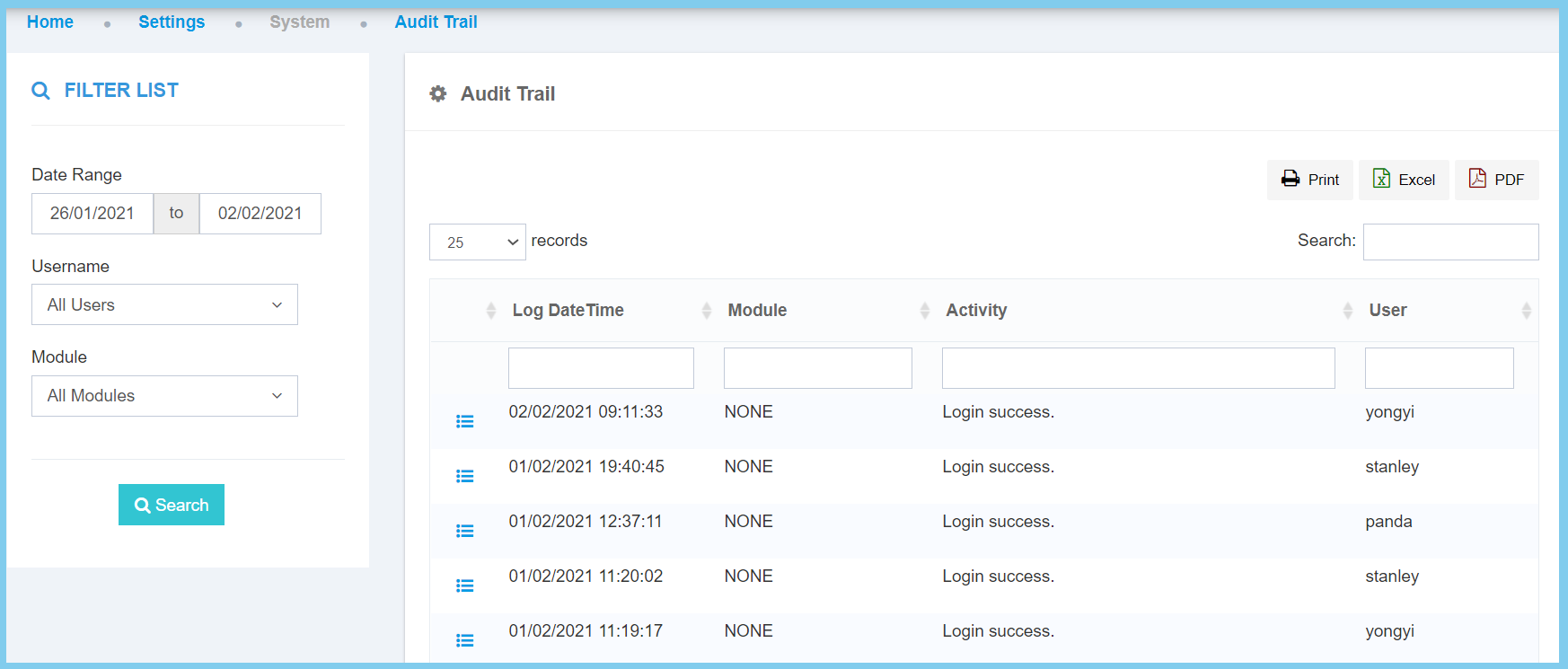
- Click details button to view more details.
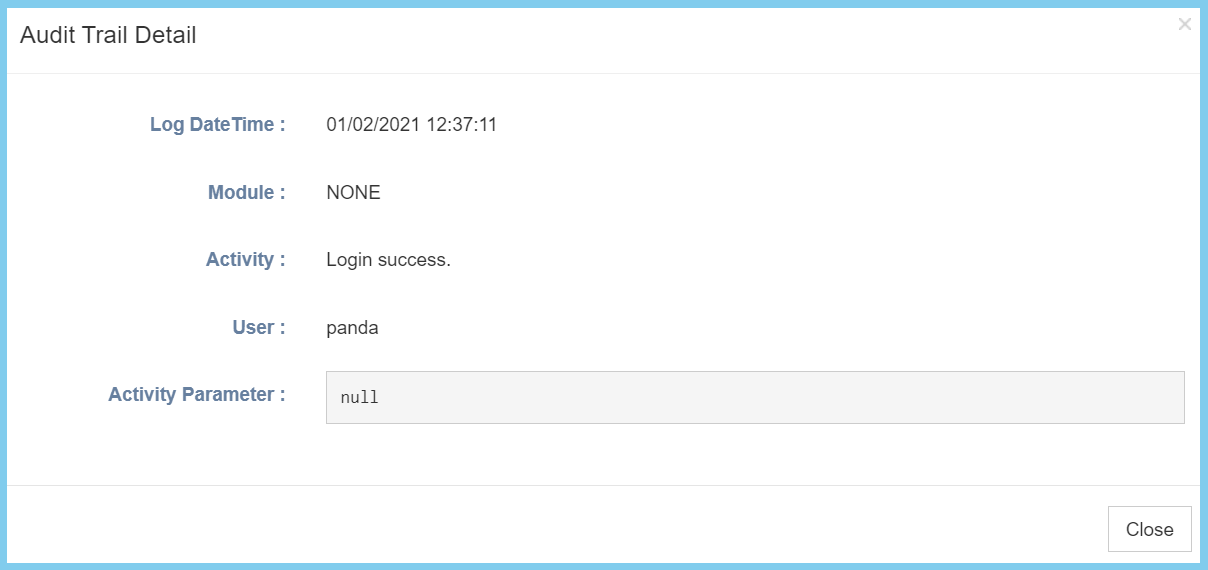
Audit Trail Configuration Option Explaination
| Option | Description |
|---|---|
| Log Date Time | The time and date of the action made by the user. |
| Module | The module that was used by the user at that time. |
| Activity | The action made by the user during the time. |
| User | The username that do the action listed within the activity. |
