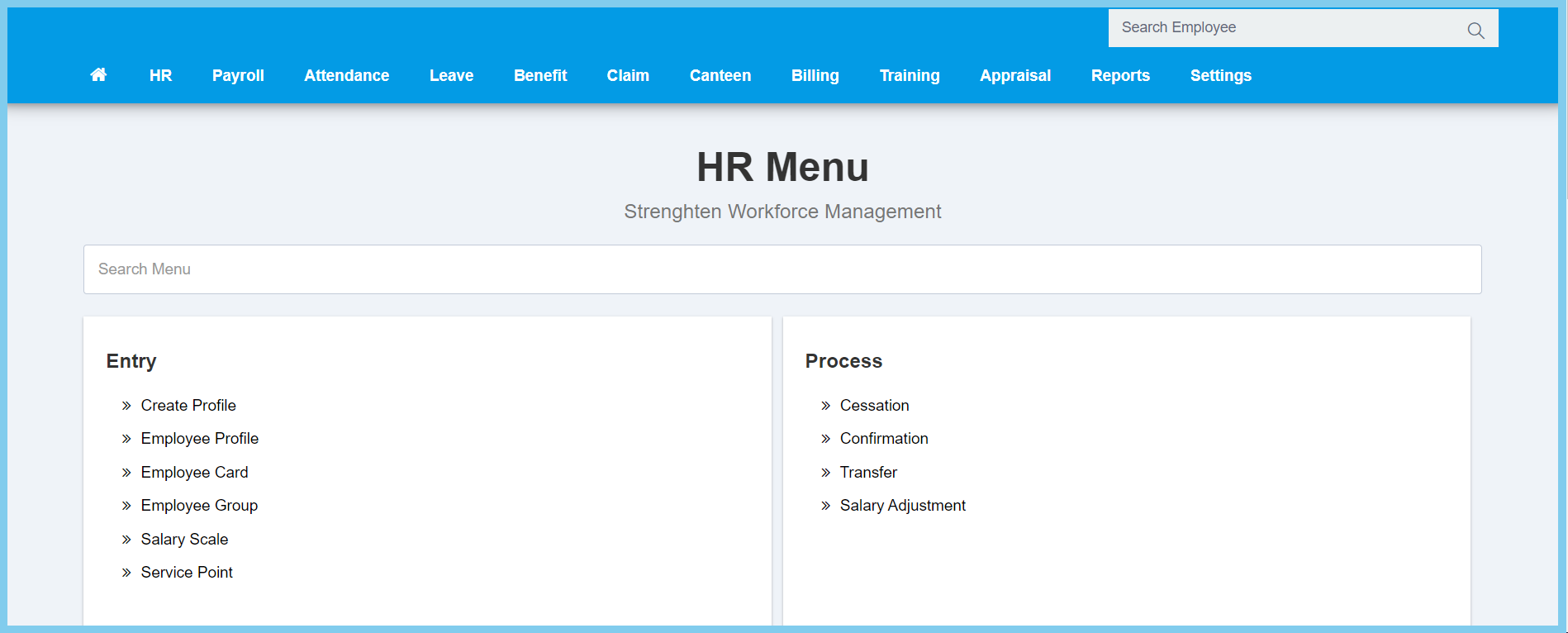
1. Menu: Click HR.
2. Click Employee Profile which located under Entry.
3. Employee list will shown as diagram below.

1. Menu: Click HR.
2. Click Employee Profile which located under Entry.
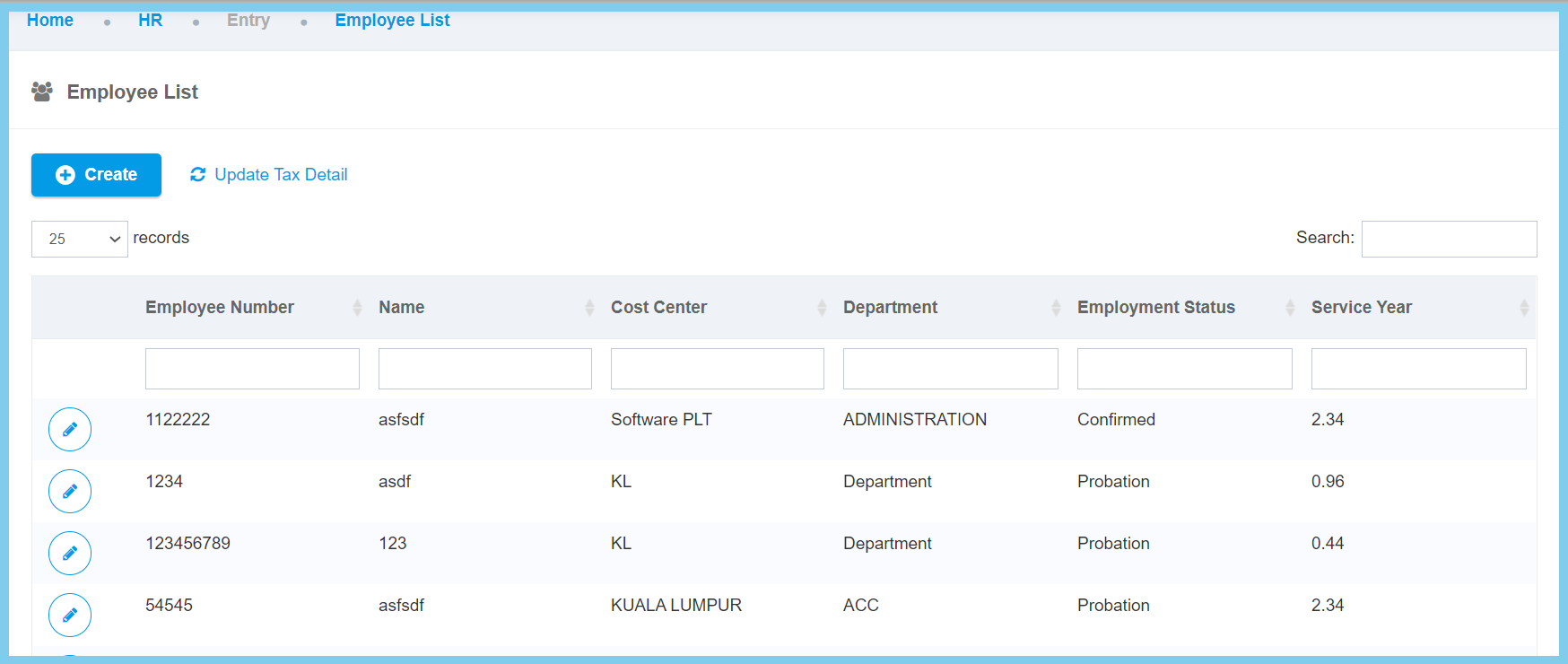
3. Employee list will shown as diagram below.
